Paper animation guides and techniques
Choose a guide for the specific task in front of you: prep clean cutout photos, time newspaper page flips, dial in paper fiber grain, and composite transparent overlays.
Pick the technique your timeline needs
If you're building a character or product entrance, start with prepping your cutout image before adjusting its animated border. If your scene calls for tactile paper physics, check out the paper unfold guide and our end-to-end paper animation workflow.
For typography-driven moments, explore newspaper search to reveal quotes inside article columns, or magazine letters to assemble punchy collage titles. When dropping assets into NLE software, the transparent export guide covers alpha channels, frame sequences, and chroma keying.
Use the instructions beside the matching effect
Each guide links straight to its corresponding studio preset so you can test dials and watch the physics simulation respond in real time. Broadsheet layouts, social comment feeds, and isometric city maps provide instant visual baselines.
Our guides are organized by production task: photo cutouts, broadsheet searches, export compositing, and animated social sequences. Follow any topic link to master the technique or jump right into the editor to start building.
If you ever notice a setting that doesn't match current browser capabilities, submit a quick diagnostic note through our feedback form or review our editorial policy.
Photo cutouts and paper effects
Prepare an image, choose a cutout or fold, refine its animated border and shadow, and check how the paper movement reads at the final video size.
Open Photo paper cut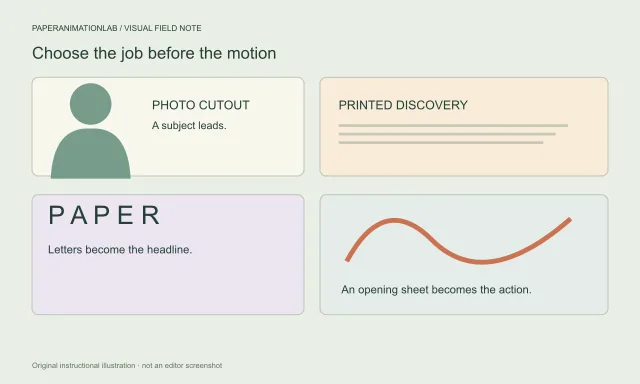
A practical guide to paper animation
To make a paper animation, choose one subject, pair it with a motion that supports the scene, then test the export where you plan to use it. A cutout suits a portrait or product; a fold or crumple makes the reveal itself the story; newspaper and letter effects make text the subject.
Prepare a photo for a paper cutout effect
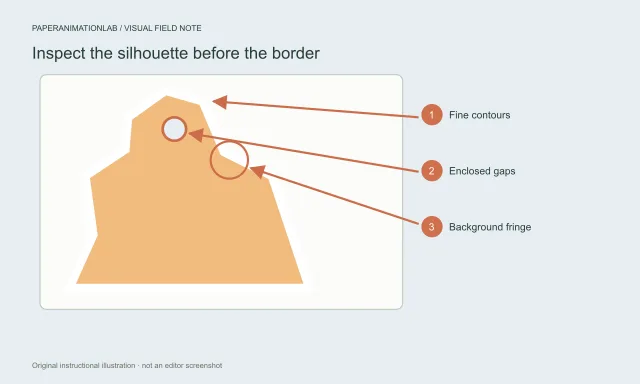
For a clean paper cutout, start with a sharp subject, remove its background carefully and inspect the silhouette before adding the paper edge. A transparent image suits an irregular portrait or object; a full photograph works when you want the whole frame to look like a printed card.
Create a paper fold-out animation
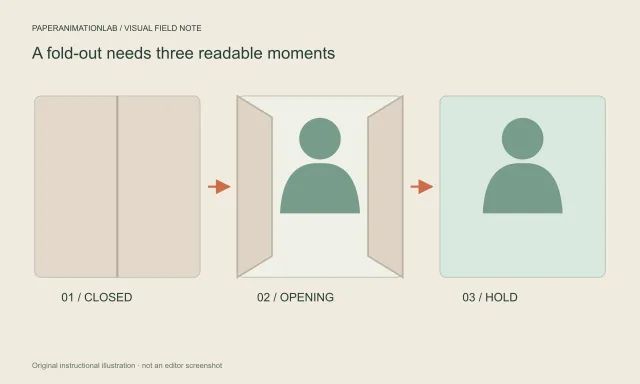
A paper fold-out animation works when the closed sheet builds anticipation and the opened frame reveals one clear subject. Choose a fold-out entrance in Photo Paper Cut, leave room inside the folds and hold the open image long enough to read.
Paper boil vs. wobble: which movement fits?
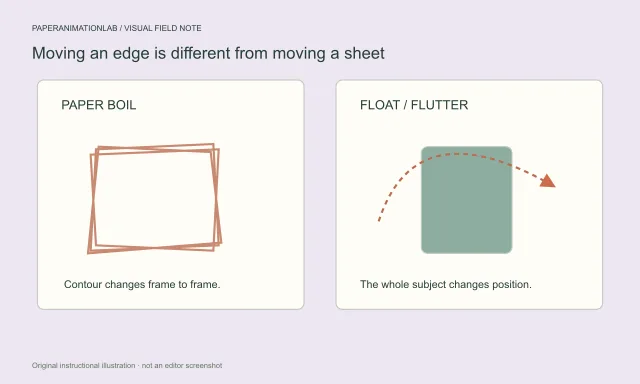
Paper boil changes the paper outline from frame to frame, while Float or Paper flutter moves the cutout itself. Choose boil for a hand-drawn edge; use gentle Float when the subject needs motion without a shifting silhouette.
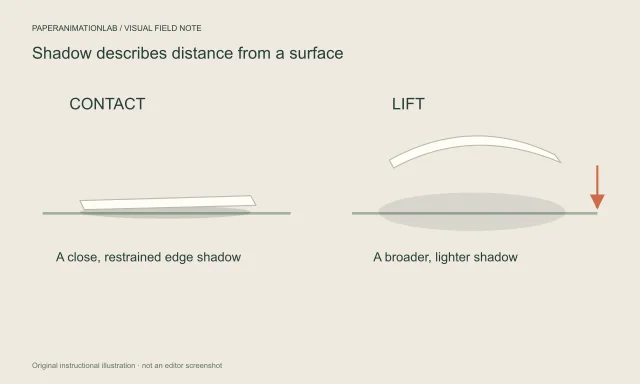
Make paper animation shadows feel natural
A paper shadow looks natural when it separates the sheet from its surface without overpowering the subject. Start with a soft contact edge, add only enough lift to show movement, then preview it against the background where the animation will appear.
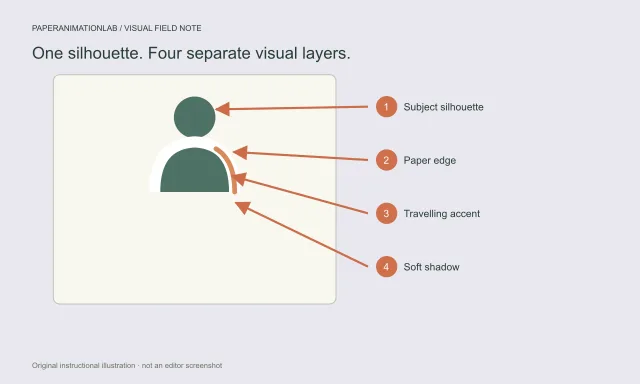
Animate a paper cutout border
To animate a paper cutout border, upload a clean subject, choose Deckled fibres, Clean scissors or Layered paper, and set the border to Paper boil, Breathing colour or Travelling edge light. Balance that outline motion with the movement of the subject so the image remains easy to read.
Newspaper search and cutout lettering
Search supplied article copy for a selected word or sentence, compare it with a fixed-phrase match cut, or assemble a short message from magazine letters.
Open Newspaper research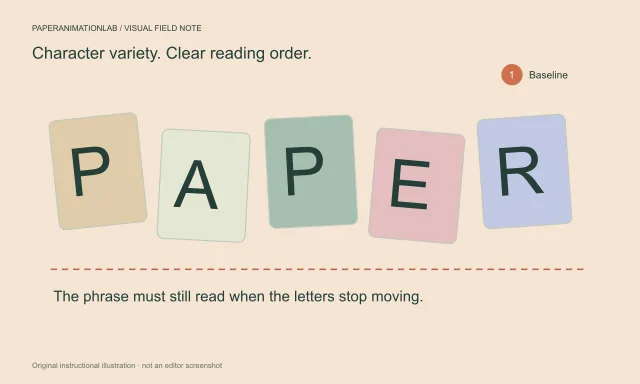
Create a readable magazine letter animation
A magazine letter animation is easiest to read when the phrase is short, the cutout shapes contrast with the background and the completed line remains visible. Choose it for a ransom-note or editorial collage look; choose newspaper search when words should be found in an article.
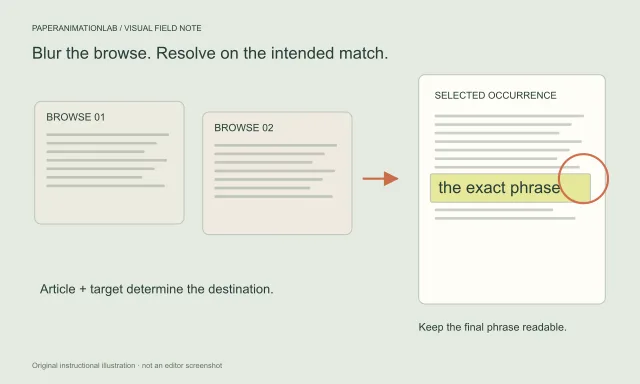
Search newspaper pages for a word or sentence
To animate a newspaper search, enter an article and the exact word or sentence, choose which occurrence to find and set the number and speed of page turns. The pages stay blurred during the search, then the camera focuses on the selected match while surrounding print remains soft.
Exports and video compositing
Choose a still, animated preview, browser video or transparent frame sequence, then check background, timing and edge behavior in your editing application.
Read Choose the right export format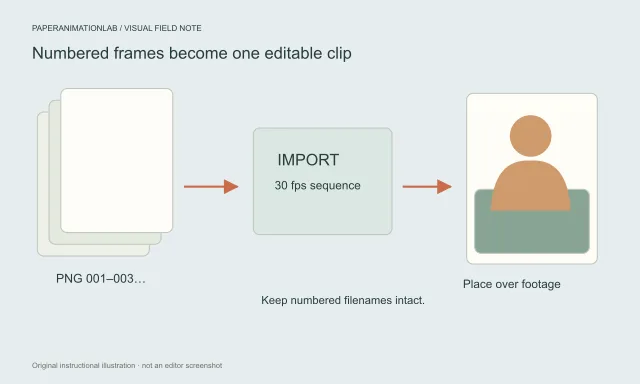
How to export paper animation with transparency
For a transparent paper animation overlay, use a numbered PNG sequence when the effect offers it, then import the frames as an image sequence in your video editor. PaperAnimationLab’s GIF and browser-recorded video exports flatten transparent areas to cream; green is an option when you plan to chroma key.
Remove green fringe from a paper cutout
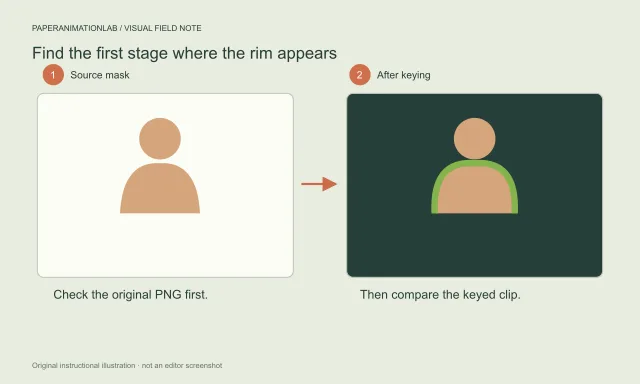
To remove a green fringe, first find where it appears. A halo visible in the original PNG belongs to the source cutout; a rim that appears only after green-screen export points to the keyer. Correct that stage, then inspect fine edges at the final video size.
Crumple and reopen a paper animation
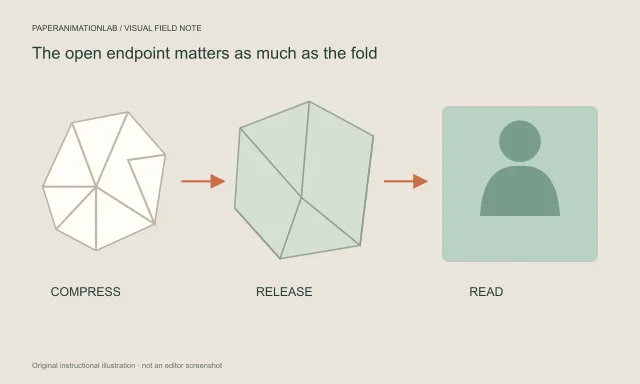
For a paper crumple animation that opens again, choose whether the sheet carries a photo or newspaper, select the reveal sequence, then tune cycles and duration around the final open frame. Use a transparent PNG sequence for compositing when available, or green screen for chroma key.
Comment cards and story scenes
Create an editable social comment sequence or guide a camera along a route through a stylized paper city, with controls explained in context.
Open Comment reel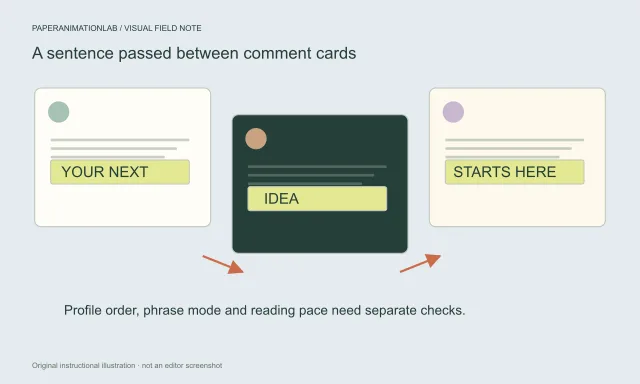
Make a fast social comment animation
Create a social comment animation by entering a sentence, choosing X, Instagram or YouTube styling, and adding editable names, profile photos and comment text. The reel uses sample content you supply; it does not import posts or verify engagement, endorsements or account activity.
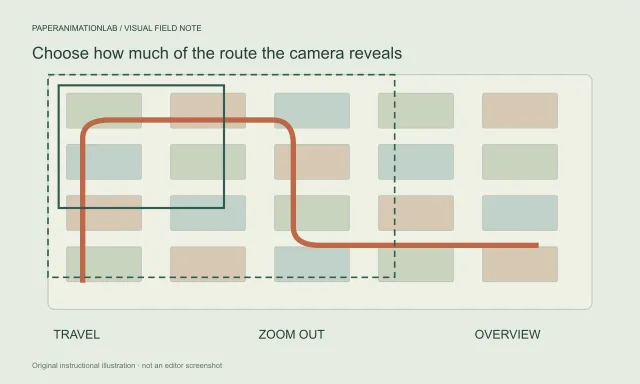
Create a paper city route animation
A paper city route animation works when viewers can follow its path from start to destination. Choose Top-down travel, Smooth zoom out or Map overview, keep the route ink distinct from the paper city, and hold the final view long enough to read the message.
Every style is a starting point. Open it in the paper animation editor, adjust the details and keep the parts that feel like you.