
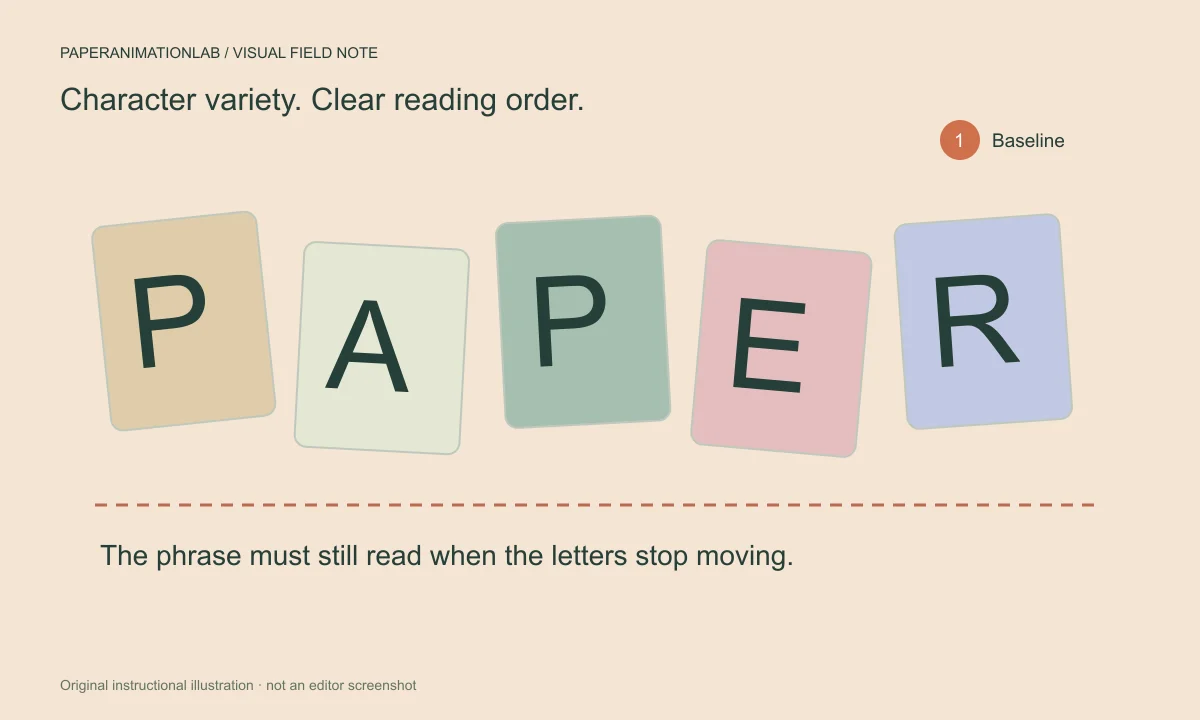
Give the phrase a clear job
The magazine letters will have quite a lot of visual detail prior to adding movement. Usually, a very short title or a couple of words is much easier to read than a long sentence. Determine if the text is used to introduce a topic, label a section, or end a scene.
Type the phrase into the editor and find the longest line in the typed text. Paper letters require space around each letter so that each letter appears as though it was intentionally placed there instead of being crowded. Only use punctuation where it adds to the meaning of the phrase.
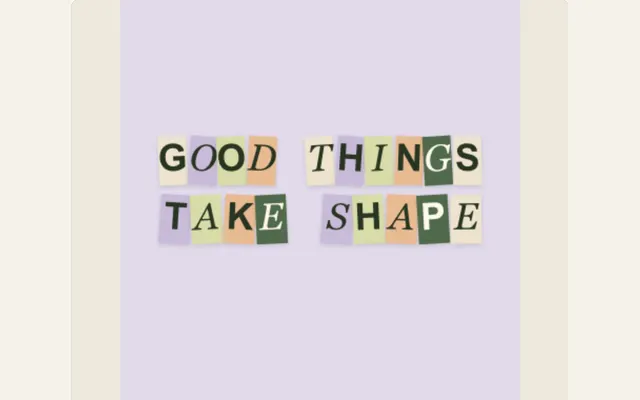
Edit the phrase for a collage, not a paragraph
Individual characters require space to demonstrate their distinct forms. Begin with the primary term, followed solely by the briefest explanation necessary to define it. Lengthy sentences can cause individual letters to become smaller, as well as delay the revelation of the final product; therefore, breaking down the idea into two separate scenes will typically be easier for readers to comprehend.
Establish the canvas aspect ratio and determine the number of line breaks prior to adjusting the placement of the text. A single line that fits perfectly within the bounds of a landscape view may necessitate two lines within a portrait-style video. Additionally, provide some blank space surrounding the completed phrase so that users are able to use platform controls, and refrain from positioning a primary term in an area which may ultimately be cut out during cropping.
Keep variation inside a consistent layout
The use of various color papers and subtle rotational adjustments provides the title with a cutout appearance. It is important to continue to have consideration for the baseline, spacing and general organization of the elements of the title. If you use too many conflicting angles when presenting a readable line of text, you will likely end up with a collection of unrelated parts rather than a cohesive whole.
Consider using a neutral background to start. Textures within both the title and the image can be used together; however, they require greater separation than would be needed if the title were being presented on a simple piece of paper. Shadows that are used in a restrained manner assist in defining the individual letters while avoiding a thick outline around each.
Scroll sideways to compare every column →
| The audience should see… | Choose… |
|---|---|
| Separate characters assembling into words | Magazine Letters or Cutout Letter Assemble |
| The same phrase carried through changing pages | Text Match Cut |
| A matching occurrence discovered inside article copy | Newspaper Search or Newspaper Research |
Choose the right text effect for the story
Magazine letters assemble wording from individual paper characters. Text Match Cut carries a phrase through changing broadsheet designs, while newspaper research finds an occurrence inside the article you supply. Choose based on whether viewers should watch words assemble, follow a repeated phrase, or discover a match in printed copy.
Keep a strong contrast between the letters and background, but avoid adding a heavy outline to every character. The paper shapes already create variation. A quieter background and a restrained shadow help the phrase remain the focal point.
Let the letters arrive, then settle
The simpler an entrance is to comprehend, the better. It is important to watch the entire loop and ensure that the words remain together for sufficient time so that they may be read. The movement of the words should enhance the words themselves, not replace them continuously.
When you feel that the words are moving too quickly, shorten the text prior to lengthening each of your timing values. With fewer letters, the same composition can become far more clear without altering the emotional quality.
Preview at phone size
A desktop canvas can mask spacing issues since all of your letters will be so large. Preview at a smaller size, or open the page on your cell phone, and view the title from a distance without leaning forward. You should see the spaces between each word.
For smaller titles, use stronger contrasts. Although cream and pale yellow can look good together in a large mockup, a dark ink color is easier to read when the design is made smaller.
Review letter movement and the completed layout
Observe how fast the words appear on screen and how long they stay after completion. If your audience cannot easily read the sentence at normal reading speed, make the sentence shorter or extend the length of time the words are displayed on screen. Preview at phone size because small gaps and thin letter shapes can merge after scaling.
Export a short sample and inspect the last frame in the application where it will be used. Use a transparent PNG sequence only when the dialog provides it; GIF and browser video flatten transparent areas. Save the project so copy and timing remain editable.
Keep the text editable
Save the work before you create multiple variations. When you have a reusable title that is formatted to look like paper, you can turn that title into a set of chapter cards simply by changing the wording on the cards while keeping the paper treatment intact. The seed allows you to maintain the same cutout pattern across different versions.
To save a static image of the introduction, find the moment just after the introduction was assembled and then download a PNG file. To create an introduction that includes movement, record a brief video and make sure to examine the last-to-first transition if you intend to repeat the introduction.