Victorian pop-up book
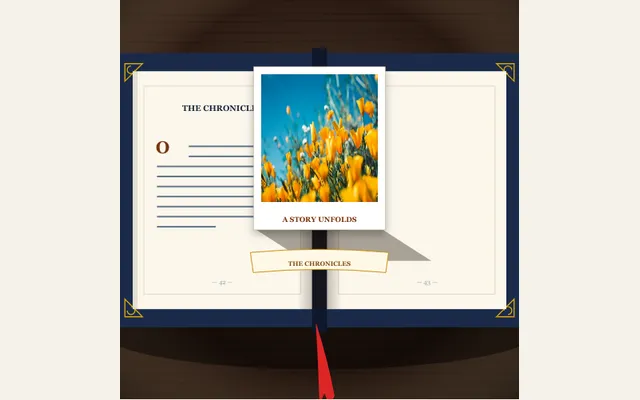
Animate an antique hardcover book opening flat on a polished library desk as mechanical paper hinges and V-fold tabs pull your cutout photo vertically upright into 3D isometric perspective.
Try this effect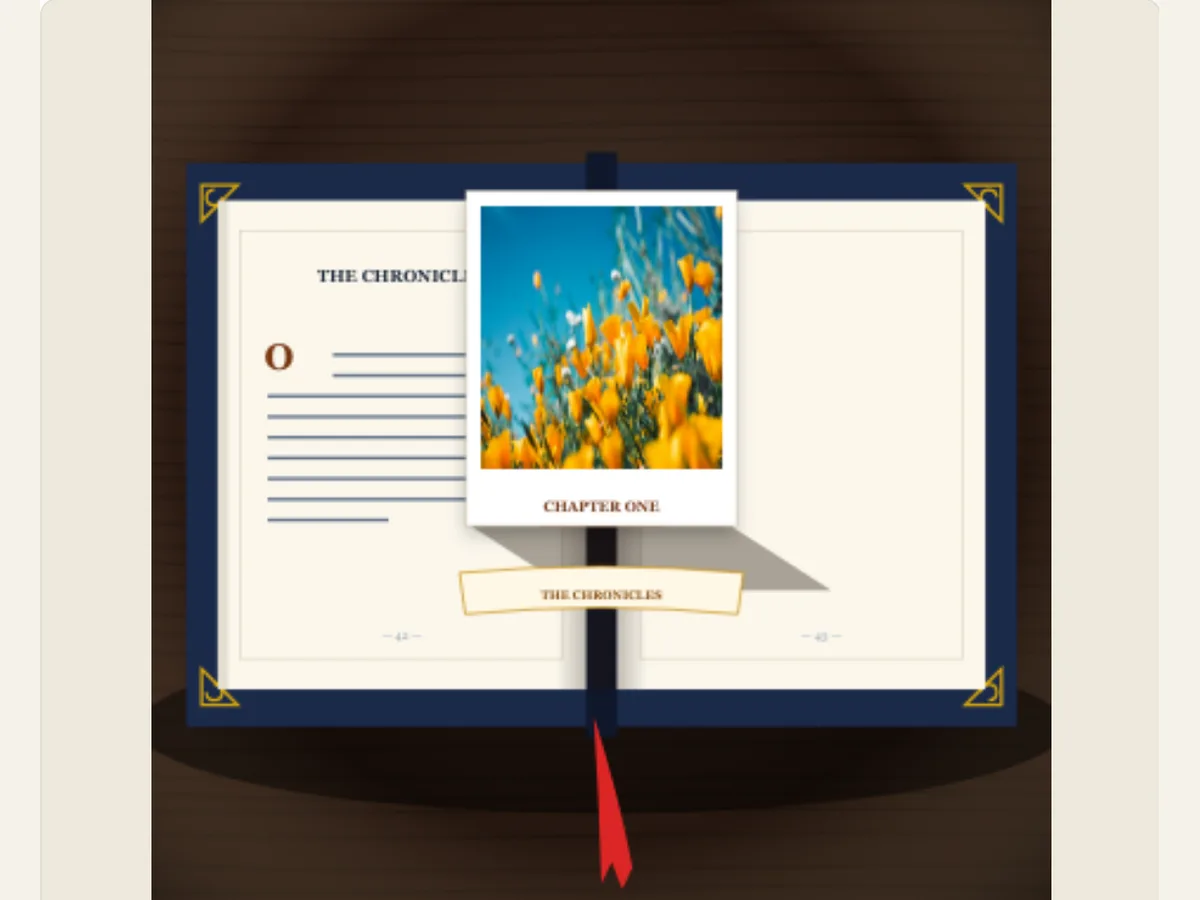
Turn a title card into a small paper stage
A pop-up book has a "start" and "finish" built into it: when you open the cover, the paper rises and you see what is being shown in relation to everything else. Victorian Pop-up Book takes a cut out image you have uploaded and creates a layered book scene with it. You may use this to begin a children’s story, a museum exhibit, a travel section of your website, a product launch, or even a short narrative. The action of opening a book will help create the right atmosphere for your content.
The animation is a computer-generated composite image of what would happen if someone made a pop-up mechanism. It's not a blueprint for how to make a pop-up mechanism out of paper. There is no proof that a piece of paper could hold up under the same pressure, weight, or thickness as the digital image. When you're making a printed or handmade book, use this effect as an example of what your books might look like and test out making those same types of tabs on your own. This way, the video looks like a performance and doesn't promise that you can create the exact same thing with a printer in one try.
Prepare the cutout before choosing the book treatment
Upload Pop-up Cutout provides a subject that will appear to lift off of your web page. When choosing a subject for your upload, try to select something that has a distinct outline such as a person, animal, building, or product. A subject with a distinct outline will be easier for users to identify than a busy image where the background is the same contrast level as the edges. Before you upload your subject, you may want to remove any unwanted background from around your subject or create a transparent PNG file using an image editing software program. Be sure to check that all of the smaller details of your subject (e.g. hair, leaves on trees, thin products) are still present when your subject is displayed at full resolution.
The cutout needs to reflect the story, not the entire open book. A portrait can emerge from a quiet page; a small building can provide a Chapter of Architecture that feels like a Book of Places. When using a wide photograph, crop it to focus on one main subject before uploading. Saving a copy of the original will allow you to re-test the silhouette if an edge gets lost in the selected cover or the paper tabs.
Scroll sideways to compare every column →
| Control | Available direction | What it changes |
|---|---|---|
| Pop-up image | Uploaded cutout | Changes the rising subject |
| Book title and caption | Editable wording | Names the story |
Match the cover, tabs and foil to one visual era
Book Cover Binding is available with: Victorian Navy Buckram Cloth, Aged Burgundy Oxblood Leather, and Botanical Emerald Vellum. Mechanical Pop-Up Tabs offer a choice of: a classic V-fold standee, architectural castle pillars and turrets, or a storybook forest and paper canopy. Foil Gilding can be accomplished using: Gold, Silver, or Blind deboss. Each control works in tandem; therefore, a navy blue cover with a simple standee will have a distinct personality than an emerald green vellum cover, a forest canopy and gold ornamentation.
First select the cover, then develop a tabbed design that provides adequate space for the die cut. Blind debossing can prevent the page from being overly decorative if there are strong design elements such as castles or canopies present. Simple V-folds will work best if the subject of your piece is the primary element. Limit your use of gold leafing. Consistency in color selection usually creates a more professional look than using multiple types of decorative treatments for each layer of the piece.
Write a book title and page caption with separate jobs
The book's title provides the primary identifier of the story or collection, while the page caption serves as a secondary identifier (i.e. "A story unfolds"). Both the book title and page caption must be recognizable when the book is closed and open. The page caption should provide additional context to the title, rather than simply repeating the title. A children's story can have a short character/place name and chapter label as part of its page caption, whereas a tourism video can have its location as part of its page caption, and then use the remaining portion of the page caption to describe the season or itinerary theme.
A dynamic composition of the image will give the viewer less opportunity to take in the written word than if it was on a still image. It is important to avoid a paragraph, an extended subtitle or many consecutive calls to action. If a page requires the date, author's credit or purchasing links, place these as an additional end card once the book has been opened. This will maintain the story frame and allow the practical information to remain on the screen for a sufficient amount of time to be read. Consider the placement of the title throughout the entire animated sequence, rather than simply on the first frame of the animation (the still cover).
A short launch film for a picture book
The small publisher may choose to prepare their picture-book teaser by using a navy blue cloth for the front cover, a storybook forest tab on the side and a cutout of the main character with a clear background. The title will appear on the cover. Once the paper scene opens, a familiar illustrated world is revealed. A simple caption can indicate the chapter or release date. The next shot can be of the physical book or a single page spread, making it clear when the animation ends and the printed publication begins.
The travel brand may have created a similar opening by using a landscape cutout that was uploaded, along with an architectural pop-up structure. The next step would be to transition into using actual footage of the destination. A product studio may choose to focus on just one hero item and utilize blind debossing in order to direct the viewer’s focus toward the shape. All of these examples are based upon the different subjects that each of these companies focuses on. However, regardless of what each company chooses to focus on, the same test will apply: will a viewer be able to identify both the subject and the title of the video prior to the video transitioning onto the next segment? If not, then the tabs should either be simplified or the final hold extended.
Give the paper structure enough room to open
Select the cover, tab placement, and foil application, followed by the cutout and each line of text. View the book in order from the beginning of the book until you have reached the first open scene. The image should not interfere with the title. Also, the page captions must remain visible once all the folds are complete. If an architectural tab interferes with a portrait that is tall, either use a standard stand-alone display or create a layout that includes more open space.
Duration and movement can be changed at the project level. A large subject with small page details may require a slow opening and long resting frames. On the other hand, a short compact teaser may have a fast entry when there are only a few words in its title. When previewing, it is important to preview in the same aspect ratio as the final product. Different types of books (portrait vs. landscape) will provide varying amounts of space for both the canopy and cutout. Visual checks at mobile sizes usually reveal overlaps that were not visible when viewing the same content in a larger editing environment.
Choose a file that suits the next stage
The Export panel provides four types of files for your use: (1) a static PNG file, (2) a dynamic GIF file, (3) a web-compatible video, and (4) a zipped file containing individually numbered Transparent PNG files created from 30 frames per second of animation. The sequence of images is beneficial when working with video editing programs which allow you to load in individual image sequences and maintain the transparency of those images. When you create an animated video through the export feature of our product, the background will be flattened (meaning there will be no transparent area). Therefore, if you require a moving overlay, however, you cannot utilize an image sequence, then you should consider creating your project on a green colored canvas and utilize chroma-keying techniques to eliminate the green color in post production. Additionally, the GIF export feature creates a solid colored background.
Still images (PNGs) may serve as book cover mockups or presentation slides; videos create an initial movement for reels and trailers. After downloading the asset, open it in your editing software to ensure that the image is ready for delivery. Additionally, make sure you save your project file as an editable document so that you can update the title and caption of the cut-out at a later date, if needed. To view another type of print design that shows individuals through multiple layers, refer to Photo Paper Cut. Paper Shadows and Depth provides insight into why depth is important in creating a layered visual.
Keep the digital concept distinct from print production
The digital page can create a physical pop-up book, however the animation doesn't determine the paper weight, how much flexibility the folds can tolerate, what kind of binding you should use, or the colors that can be printed on it. These types of decisions require a printer or paper engineer to make separate files and perform testing. The types of choices available (gold, silver, blind-deboss) are used to illustrate how the scene looks. These are not proofs of foil coverage or indentation depth.
When a publisher/client views the visual and it's not physically produced yet, label the work as an "animation" or "concept". Use artwork that you have permission to use (especially when using Customer, Author, Licensed Character). Compare the Royal Wax Seal, Letterpress & Hot Foil for a tactile stationery reveal. Origami Fold Map creates movement with an unfolding sheet rather than a book spine.