Letterpress & hot foil
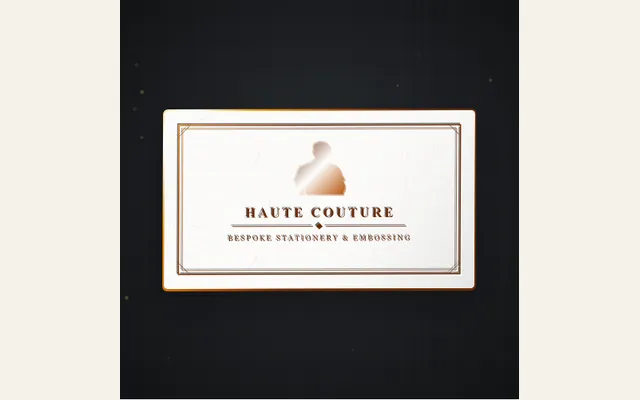
Animate artisanal heavy 600gsm cotton cardstock pressed by a mechanical platen counter-die into rich deep deboss typography and shimmering metallic hot-stamp foil with dynamic light sweeps and specular glints.
Try this effect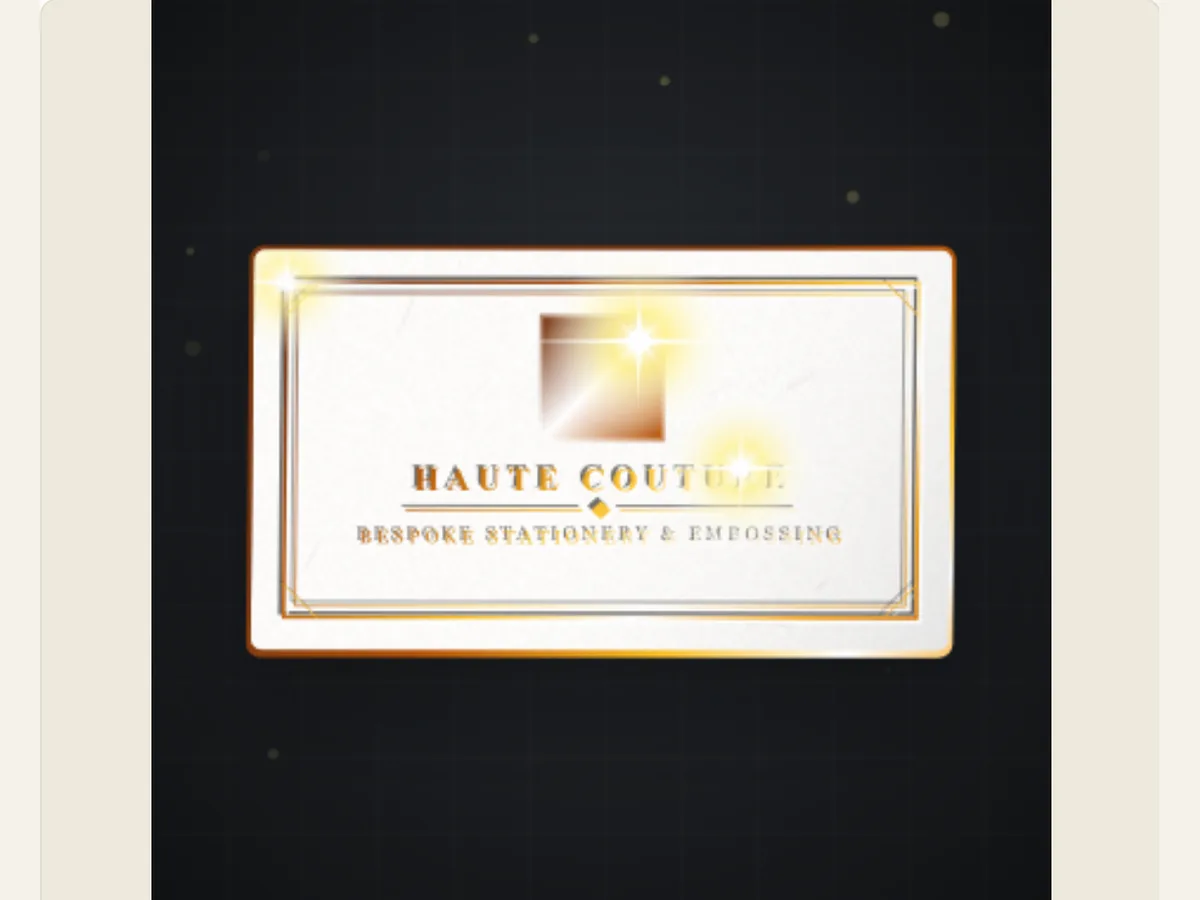
Show the mark before showing the stationery
A business card or invitation is typically short on information; therefore, when it is revealed, it needs to convey that the paper and lettering have been given consideration. Letterpress & Hot Foil creates a "scene" on your printed card with a small amount of information (a monogram, logo, etc.). You can upload your own logo/die, select your stationery format and then use either the deboss/foil treatment as the primary visual change.
This is an animated graphic treatment. This does not mean that the physical piece will be printed using a specific press, paper weight, or foil process. This can be used as a digital announcement, a product teaser, a brand mood board, or a video insert; however, printing specifications should remain part of the artwork or production file that you provide to your printer.
Match the format to the piece you are presenting
The Stationery Card Format includes a business card, a vertical wedding or gala invitation, and an A5 landscape desk stationery. The shape of the canvas affects how much space there is for the logo and subtitle. A business card can use a compact monogram in the center of the card. An invitation has more vertical space for a date or name of an event. You should select the format first and then adjust the text to make sure that the length of lines match the intended product.
The tone of the surface is set by the type of cardstock used (e.g. Pure Cotton, Midnight Navy, Charcoal Black, Warm French Ecru, or Botanical Sage). In order for light letters and reflective foil to stand out from the background of the cardstock, there needs to be contrast between the letter/foil and the background. A lighter-colored cardstock will allow a darker deboss to show through clearly and without being obscured by the texture of the cardstock. When reviewing your card, try to view it as close to the actual size as possible as a smaller version of a title/subtitle could become unreadable when viewed at full-screen resolution.
Scroll sideways to compare every column →
| Control | Available direction | What it changes |
|---|---|---|
| Card format | Business card, invitation or A5 stationery | Changes the composition area |
| Text | Monogram and subtitle | Supplies the printed message |
Select an impression style and foil that support the mark
Reveal Animation Style features three distinct options: Foil Ribbon Peel, Hydraulic Platen Strike, and Cinematic Studio Sweep. The first option (Peel) highlights a ribbon-like foil reveal. The second option (Platen) is designed to give the mark a press-and-release rhythm. The third option (Sweep) draws attention to the entire surface. Each of these styles can be applied in different ways depending upon which Counter-Die Style you choose. Counter-Die Styles include: Deep Platen Impression, Beveled Relief, or Sculpted 3D. When choosing a primary motion for your logo, keep in mind that logos with complex detail typically work better when they have a calmer reveal.
Metallic Hot Stamp Foil offers a variety of finishes, including gold, rose gold, copper-bronze, emerald, holographic, polished silver, and Blind Deboss (no foil). The finish options for metallic hot stamp foil determine the level of "reflective highlight" visible on your product. Additionally, the finish option determines the amount of "indentation" created when applying the foil. Both high reflectivity and high indentation will cause very small details to appear overly cluttered. If you find yourself in this situation with a monogram that is losing the counter-space in its letters, or if a very thin line is difficult to see, you should reduce either the reflectivity of the foil or the depth of the indentation.
Upload artwork with enough space for the impression
Upload of a custom logo/die provides the best results for producing a clear and high contrast marking that has a transparent area surrounding it. A PNG that is flat offers the editor a much better edge to work on when compared to a screenshot which includes interface chrome or has a white border. If the original file contains a dense background, then you should first remove this in an image editing program prior to attempting to use the letterpress effect to produce separation between the logo and a photograph.
Monogram Initials allows for the entry of up to five letters, which are then changed to upper-case. Atelier Subtitle allows for a much larger number of letters for either a studio's name or a description. Both of these two types of text should be used differently. For example, use initials as the primary stamped marking on your product, and use the secondary text to help describe the brand or event. It is generally recommended that you do not include a complete contact block on your card animation, as this information may be better suited for the video caption or the next title card.
A compact launch example for a small studio
Imagine that a ceramics studio wants to announce its latest collection. They can use a warm ecru A5 card, a small studio logo uploaded to the card, the hydraulic reveal (press motion), and a limited amount of copper foil. The initial image shows the empty card stock, the press movement advances the logo, and a small subtitle indicates the name of the collection. This will establish a clear brand identifier without creating a complete catalog page out of the video clip.
For a business-card close-up, assess whether the brand name remains visible after the card has been resized to its intended size for use in the video. For invitations, verify the date, event line, and crest. While the preview can aid in positioning and movement, it can never substitute a proof from the printer for evaluating color accuracy, foil coverage, paper grain, or die registration.
Tune depth and light one control at a time
You should begin with a die style and a medium Deboss Depth. When you see the press/reveal, increase the depth so the indentation is visible, but not so deep that the lettering looks like it was cut into the card. Next, you can make adjustments to the Foil Reflectivity & Shine. One large gleam is much easier to follow than a bright effect that flashes across all of the edges at the same time.
The optional 3D Gilded Metallic Foil Edges will add a foil treatment along the perimeter of the card. This could make an excellent addition to a formal invitation; however, it might look too ornate for a small corporate card. If you find your card looks cluttered, delete the edge treatment prior to making changes to the size of the logo. A clear organization among card, emblem and sub-title will make the final frame much easier to understand.
Download a motion version or a transparent print reveal
Export options for this effect include a Still PNG, a GIF, Browser supported Video and a Transparent PNG sequence. If you are using a program that allows you to import frames with numbers at 30 frames per second, and you want to use the card without a solid color behind it then the PNG sequence will be your best option. However, if you do not have access to an application that supports the importation of PNG sequences and you wish to composite the video, select a green background and key out the green in the editor, because video exports create flattened transparent canvases.
You can take a still shot of your completed card to create a thumbnail image or to use in a presentation. To show off the card itself you need to make a video export and then open that file within the editing software you plan on using. Remember to save the project as well, as this will store your choice of logo and controls for future use with other foil colors, formats, or event versions. Since the downloaded animation is a digital rendering, you'll also need to produce a separate print-ready file if there is a physical stationery order associated with the project.
Check fine lettering before approving the look
Judge a foil treatment easiest on symbols with large, clearly defined shapes. Test marks containing thin lines or small counter areas against your selected stock using conservative settings for both shine and deboss. A moving highlight may temporarily hide a thin line while the stationary view appears to be clear; therefore, you should examine that part of the animation in which the light passes over the mark.
The image you have uploaded is an interactive visual element of the scene, not a ready-to-print die file. It is best to save your original vector or high-resolution artwork separately for production purposes, and use the editor version to demonstrate a digital representation. This allows you to show a realistic preview of how the animation will look, but still allow you to keep the original design as a starting point for your actual stationery purchase.