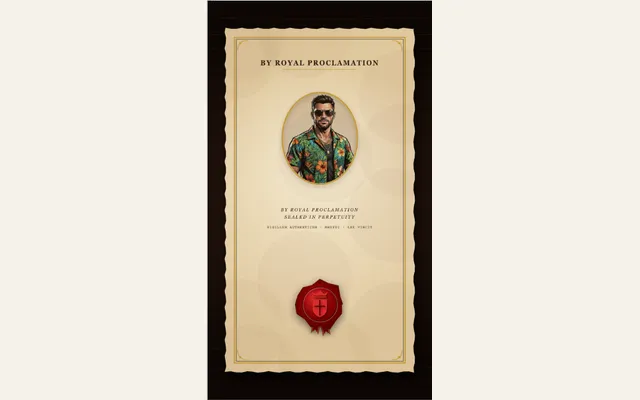
Royal wax seal decree
Animate rich molten sealing wax dolloping onto an illuminated proclamation decree, stamped with a heavy turned-brass die to reveal an authentic embossed 3D royal coat of arms or custom monogram.
Try this effect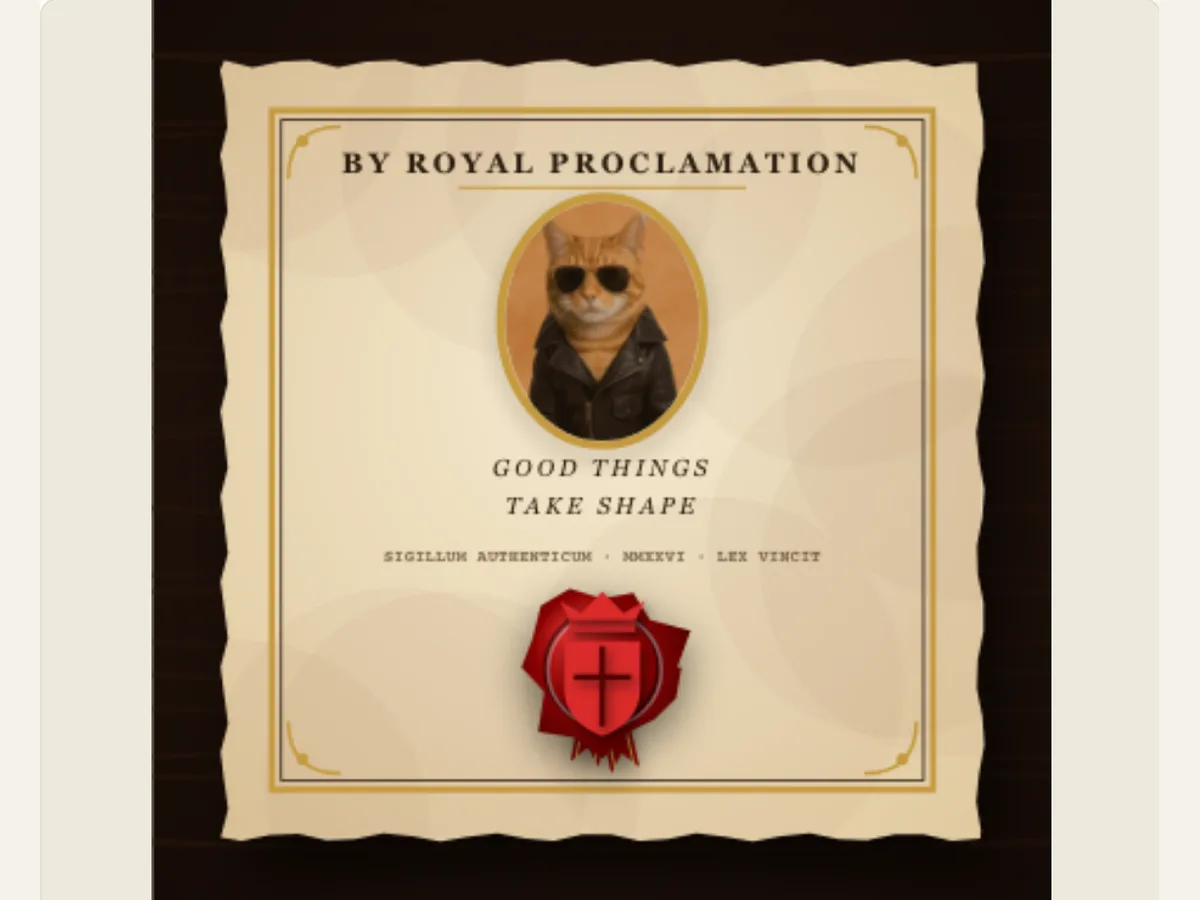
Make a digital announcement feel like a sealed letter
The use of a wax seal provides a distinct beginning for a brief invitation or announcement. The viewer views the decree; notices the emblem; and finally understands the purpose of the card. Royal Wax Seal provides this presentation as an editable animation. It includes a portrait, parchment treatment, seal color, and a short proclamation title. This type of presentation works well when the wax seal acts as the visual punctuation on a digital invitation; a heritage inspired product story; or a chapter card within a period style video.
The editor creates a formal design; it does not produce a wax stamp, nor does it research the history of a coat of arms. Consider the crest, initials and other aspects of the material as options for the artwork. When the subject matter is an actual organization, utilize an image of the organization’s emblem that you have permission to use, and verify the text of the seal in a different manner. A digital seal may provide a sense of officialdom, but it will not claim that a real document has been signed or sent.
Start with the words that deserve the seal
The decree portrait option adds a visual element to the document's layout. It may be a small portrait, product photo, or even an illustration that supports the announcement; however, the image shouldn't distract from the seal in the center. The Decree Proclamation Title provides the primary text for the decree and updates the text displayed within the scene. To ensure readers can easily view both items as the wax is being applied, keep the title brief. Usually dates, collection names, or invitations are much simpler to scan than complete paragraphs.
Before selecting your decoration determine what you want the person viewing the card to see first; a person, symbol, or message. On a wedding invitation, the name and date may require a larger space than a portrait. A short title for a product launch from a creator could be placed above their monogram. When the initial image seems cluttered, reduce the length of the title, select a less complex image, instead of reducing each of the elements in the final card until it is difficult to view on a cell phone.
Scroll sideways to compare every column →
| Control | Available direction | What it changes |
|---|---|---|
| Decree portrait | Uploaded image | Personalizes the document |
| Proclamation title | Short announcement | Supplies the main message |
Choose wax and paper as a paired palette
The sealing wax colors available include royal crimson, midnight navy, imperial gold, emerald, and obsidian black. The options for the parchment decree style include aged vellum with deckle edges, an illuminated manuscript look, or handmade deckle linen. All of these choices alter the visual language of the same scene; for example, if you choose to have crimson on vellum, it will create a formal atmosphere. However, if you opt to use navy on linen, then you are creating a much more restrained feel. Additionally, choosing to utilize a dark seal can make a light-colored piece of paper stand out as a central focus. You should preview your selected options prior to adding an emblem, as the contrast between the two is what allows the seal to remain legible.
Hold the title fixed and only alter either the wax or the paper to help you compare the different possibilities. The edge of the seal could become invisible when it's placed on the same colored paper as the seal. A bright, golden-like treatment would work well for an celebration-themed greeting card; a deep red color will likely maintain its form within a smaller social video design. All of these choices are based on what looks best visually and do not represent any promise of a specific wax formula, pigment, or metallic coating.
Give the emblem a role instead of adding ornament at random
Seal Emblem Design offers a custom engraved monogram of your choice (initials), a fleur-de-lis, and a photo cameo. Monograms are helpful when you want to use the card for an individual, studio or event. Crests help provide a fictional decree with a narrative. Cameos work well when the photo itself can be used as part of the center of the seal. The initials field will accept up to 6 characters and convert each character to upper case so that it's much simpler to create a small group of characters rather than writing out a full name or sentence.
Test the logo in motion and in the final frame. When a high resolution photo is compressed into a small round medal, it may appear as a dark area; however, when the image has a simple set of letters, they will be readable at a smaller size. Before using the cameo feature, crop or prepare the uploader's image if it contains a background. To ensure that the raised design reads as a single piece and not as multiple small designs, leave the outside seal blank.
A practical invitation treatment
Think about a small botanical studio that wants to let everyone know about a workshop. They can post a close-up image of a pressed flower; select deckle linen; use an emerald color for the seal; and utilize the studio's initials for the emblem. The title of the post can state the name of the workshop and its date, and the portrait supports the topic of the workshop but doesn't contain all the information needed for a registration form. This short video can lead into a larger event video that includes registration information on the next card so people can take their time to read it.
In the same manner that authors or manufacturers can use the same methods to generate a fake historical or governmental archival mark on their works, authors/manufacturers can also use these controls to create a fake historical/governmental archival mark without having the document be approved by a real historical/governmental agency. A navy seal and a limited-parchment style would make a good opener for a book trailer; gold and illuminated pages can represent a celebration edition. Both examples would benefit from a separate end frame with a URL/full event details, rather than trying to fit them into the seal area.
Refine the hierarchy while watching the full reveal
A logical way to create your own customized seal is to first pick out a decree style; next, place your portrait; thirdly, select a title; fourthly, pick a wax color; and finally, choose an emblem. Replace each item in the process separately, and then go through the whole sequence again. This will help you see if a different palette has increased contrast, or just made the image brighter. When the portrait is what draws attention away from everything else, either decrease how much it stands out, or simplify the seal itself. Rather than adding more decoration to everything at once, make small changes to each element.
Check the opening, the exact moment the emblem is identified, and the still closing shot. A title which is shown for just a few seconds could easily go unnoticed, even if it appears to be clear while being paused. Shorter words require less viewing time than a date and location, therefore, provide a longer line of text more space to remain visible. Utilizing the editor’s duration and movement control capabilities on the project level to match the revealing with the surrounding footage; then view it in its ultimate aspect ratio.
Export a card for a video, presentation or thumbnail
An export panel will create a still in either PNG, GIF, a web-compatible video format, or a Transparent PNG sequence for this particular effect. The PNG sequence is delivered as a single ZIP file containing numbered frames at 30 frames per second with transparency. Any editing program that supports image sequences will allow you to overlay the seal on your footage. Video and GIF exports flatten all transparent canvas areas. When creating a video composite, use the green background and then use chroma key to remove it if you are not using an image sequence as part of your workflow.
Use a static png for a cover, thumbnail or approval slide, and use a video export if you want to have the seal move. Make sure that the file saved is correct in the application and in terms of the frame size it will be used. Save the editable project as well, as this allows you to preserve your portrait, text and seal settings for another date or a different color palette. The animation is a visual asset that exists digitally, not a replacement for printed-ready artwork or a specification for a physical stamp.
Keep the finished scene readable at small sizes
When the composition of the visual element (seal) is used as a single element in a tall vertical story or within a small video insert, the visual weight of the seal may cause the fine letters to be unreadable. Prior to reducing the overall size of the image to fit its intended application, view the title at the full scale it will appear in the end product. At this point, you will be able to determine which secondary details may need to be removed from the design because they are no longer clearly identifiable. Although the six-letter monogram restriction keeps the seal mark compact, the main title will require a specific number of lines to maintain a balanced layout. An effective last frame will provide immediate recognition of the event or collection being advertised, prior to the viewer moving on to another piece of content.
When you are designing for a client or organization, request that they provide you with their preferred names, images, and logos. The design treatment should never be used as an indication of endorsement, a legal seal, or as a verified historical document. Provide a descriptive caption for your animation when its origin is relevant. To create a complementary print-inspired movement, consider the Letterpress and Hot Foil effects, as well as the Victorian Pop-Up Book; the Paper Depth Guide provides information on how separation and shadow affect the layered composition.