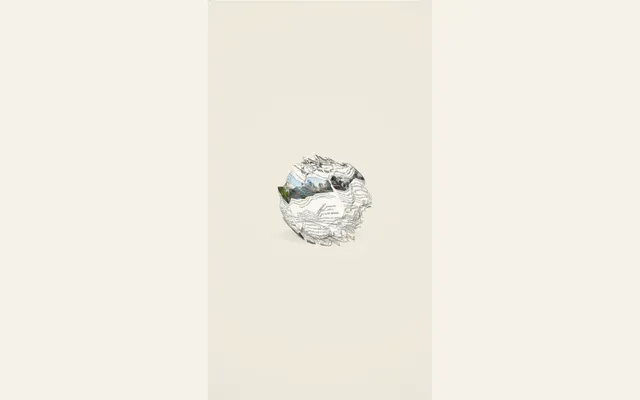
Newspaper crumple
Crumple a printed newspaper into a folded ball, then open the sheet again. Choose a crumple ball, accordion folds, a paper twist, scattered strips or shuffled pieces, then adjust the strength and timing.
Try this effect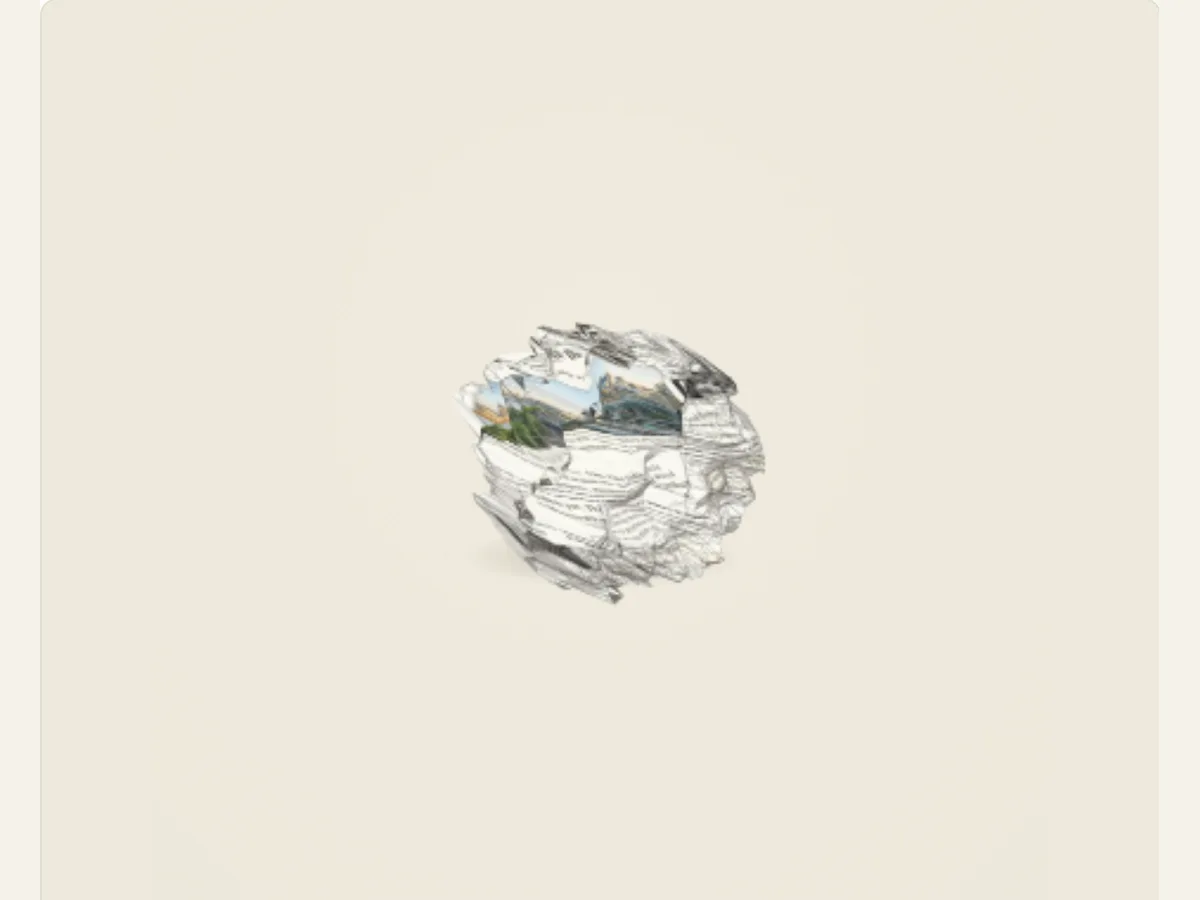
Choose how the paper moves.
Five distinct motions, from folded paper to scattered fragments.
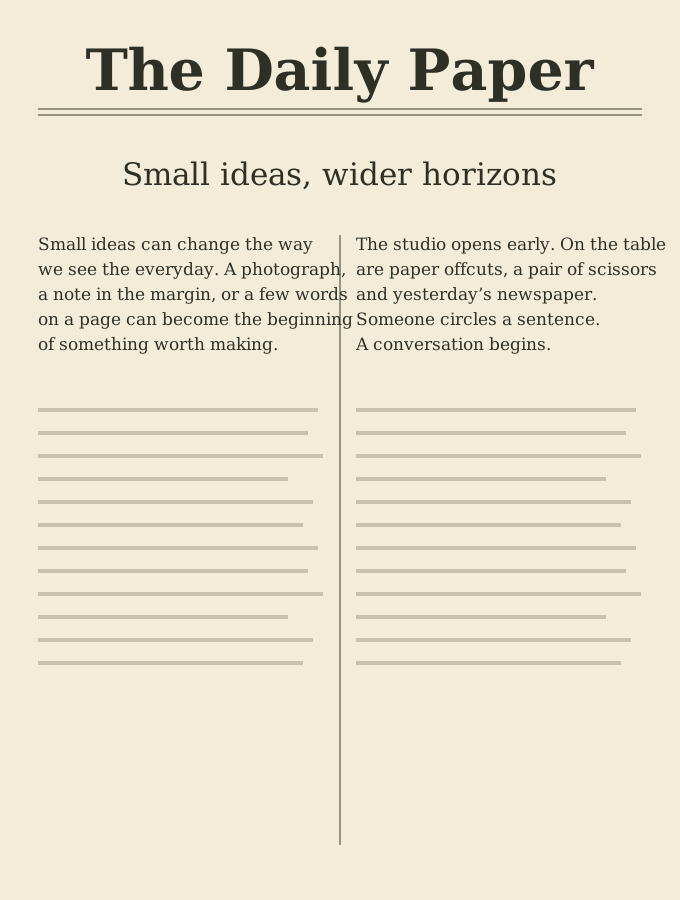
Change a broadsheet into a new shape and open it again
The physical act of collecting, folding, and then un-folding a printed page may serve as a transition. Newspaper Crumple will take a pre-designed page, randomly scramble it with an appropriate scramble technique, and then open the page back up. The Crumple technique can be used to transition from one chapter of a book to another, display a headline, introduce a fictional document, or provide a tactile transition in a video essay, where the page itself is used as the transition.
The motion of the page is created digitally instead of being filmed from an actual piece of paper. The digital process produces a crumpling effect that illustrates the folding and unfolding of the paper, but does not capture the precise creases produced during its lifetime. Therefore, if your project requires a live-action representation of paper manipulation, then either create a recording of a physical piece of paper, or acquire permission to utilize existing licensed footage. This animated sequence provides benefits such as editable text, customizable page styles, and repeated digital transitions.
Pick the crumple pattern that matches the cut
Scramble Style has five options for folding: Crumple Ball, Accordion Fold, Paper Twist, Strip Scatter, and Piece Shuffle. Crumple Ball compresses the paper into a compact ball-like structure. Accordion Fold uses multiple folds to create a series of repeated pleats. Paper Twist gathers the paper about its central axis. Strip Scatter separates the print into numerous strips. Piece Shuffle scatters individual pieces prior to reconstructing the full sheet. Each style of folding creates a distinct rhythm. Therefore, select the appropriate style of folding according to how the transition from folded state to flat state is desired: compact, directional, or fragmented.
The settings do not change the underlying content of the paper, they simply change the shape of the paper. A single reveal may be suitable for a ball, whereas strips or fragments of the paper can result in a more abstract transitional effect. When you are done reading your final document, ensure that the paper has returned to its initial position and that the paper will still be visible once it is opened again. A very fragmented style of writing can express itself well, but it can make small headings difficult to follow as they move around on the page.
Scroll sideways to compare every column →
| Choice | Alternatives | Difference on screen |
|---|---|---|
| Scramble style | Ball, accordion, twist, strips or shuffle | Changes the sheet treatment |
| Strength and cycles | Compression and repetition | Changes the movement intensity |
Tune page material and creases with restraint
The paper controls include: smooth, kraft, newsprint, and crumpled materials. They also include paper grain, edge roughness, shadow strength, and image scale. A newsprint surface reinforces an editorial page; kraft can feel like a folder; a smooth sheet keeps the typography clean. Grain and edge roughness create different textures. Shadow strength provides folded forms with greater separation from the background.
The "Crumple Strength" option controls the degree of the deformation. You should only adjust this setting until you find the right balance between the motion reading clearly and being distorted to the point where the entire page looks like a collection of separate items. The higher the Crumple Strength, the greater the definition of the folded area, although too much of a dark edge will cause the fold to blend with the background. When previewing the reopen phase, if the headline becomes covered up by the folding of the paper, decrease either the size of the image/texture, or both.
Use page design to avoid the same layout every time
The way that you want to publish your content (e.g., as a paper book, hardcover, classic newspaper, journal) is the Publication Format. The Page Design will allow you to choose from various page designs, such as mixed layouts, classic newspapers, books, hardcovers, editorial features, and compact journals. You also have the choice of Paragraph Spacing which can be compact, balanced, or airy. If you select Shuffle Page Designs then a different page design will appear each time. By using these choices, you can create a unique page structure for each clip or version of your project, as opposed to using the same broadsheet layout for every clip or version of your project.
The design layout is an example only, and not a duplicate of a real newspaper. If you are using a real publication as a part of your story, then you should use the correct image source and get permission to use it. You can create more open space around your title by changing paragraph spacing. The shuffle option can be used to rearrange columns in different ways; however, you will need to review them again. After every time you use the shuffle option, check your article to make sure that the entire page is still coherent when it is opened.
Example: move from a crowded page to one clear headline
The start of a video essay could be the density of a fictional broadsheet, then compress that same sheet into a paper ball, only to unfold it again and reveal a new chapter heading. That transition from chaos to clarity at the end of the first chapter is a visual reset. A short film could employ accordion folding to transition from one character's perspective to another. Museum displays could utilize a scatter of strips prior to introducing a new subject.
Provide the source and context for all of your factual statements in the frame/description below. Please do not mistake the page's decorative text for research. If you need your audience to read the entire article, allow the sheet to remain open and visible to the audience or create another accessible page that contains the source. Crumples are used as a means of providing a transitional effect; however, they are not an effective method for delivering large amounts of content in real time.
Plan the sequence around the reopen
After you choose your page layout and paper type, you will want to choose a scramble method and setting. Once you have a general movement going on your page, you can adjust the grain and shadow of the page. You may also want to preview the compression, which is the point where the shape of the page changes and you reopen the page. If the end text falls beneath a fold or shadow, then you should either change the layout of the page or change the scramble pattern. However, increasing the speed at which the page moves across the screen will hide the problem; however, it won’t make the final product any more legible.
The control over duration and motion for the editor determines the rate of change of the sheet as well as its return. A short title might be able to have a fast sequence. However, a long page would most likely require a slow reopening and a resting frame. View the animation at the exact dimensions as the completed video. Throughout the movement and return to a position that provides a smooth transition to the following scene, the page should appear as a single item.
Use the motion in a story, explainer or visual reset
The "crumple" technique can be used by an author to transition from one type of information (a thrown away report) to another (a newly found clue). It also provides authors with a fast transition between sections of a video essay. Event videos can be transformed from traditional newspapers style announcements into more modern titles. The paper action performs multiple functions, however, it is most effective when the following shot explains what was altered.
For a photo that physically compresses as one printed image, use Photo Crumple. If the page should turn rather than deform, use Paper Page Turn; Torn Paper Collage will assemble multiple pieces of paper into a collage layout. The Paper Crumple and Reopen guide explains how to plan out both the revealing and reopening sequences.
Export an opening frame or the full transformation
The Export Panel offers three formats for Newspaper Crumple: a PNG still image, a GIF animation, and a browser-supported video file. For the video, you have the option of either a solid color or a green background, however, this will result in loss of transparency. If you wish to create an overlay for your video, then make sure to utilize chroma-key green within your video editing software. GIF files will also be created with a solid color background. Prior to selecting the preferred delivery method, please confirm that the settings displayed in the export panel are consistent with the current browser.
A PNG image can be used as a still in a storyboard or page mock-up. Video must be saved to maintain the original compression of the file and to allow you to re-open the file at a later time. After downloading the file, test it in the timeline where you plan to place it. Be sure to check the shadows that occur near the fold, and the last line of text. Save your project so that you will have access to changing the scramble style or page layout in the future. The digital preview can assist with storyboarding the beat of a live-action paper effect; however, it cannot replace actual filmed footage.
Keep article copy and paper provenance honest
Newspaper layout techniques may make placeholders seem like genuine reporting. Create fictitious mastheads and use sample writing to create a fictional event, and never assign generated content to an actual publication. If you are using an actual news article, double check that the wording is accurate and that the source information has been preserved. The same copyright and usage restrictions apply whether the page was folded or blurred.
If the animation tells a true story, include the most important facts in either the caption(s) or the URL to the source. The animation will show what you have entered, but it won't verify those facts. In addition to a clearly labeled first screen, use a stable ending screen so that the viewer can determine if the item was just a prop, a prototype, or a real document.