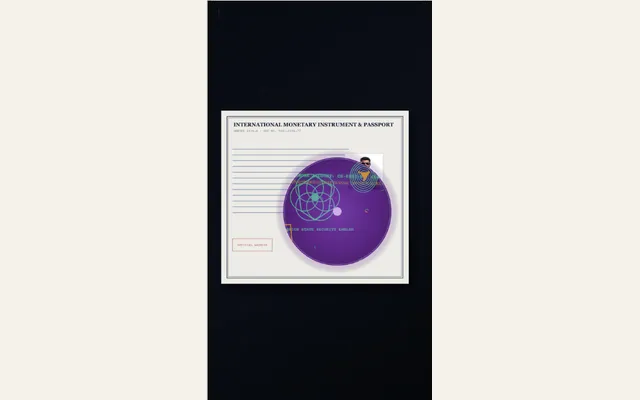
Forensic UV blacklight
Animate a forensic ultraviolet 365nm torch sweeping across a document in a darkroom, igniting hidden fluorescent security watermarks, glowing silk fibers, and concealed smoking-gun accounts.
Try this effect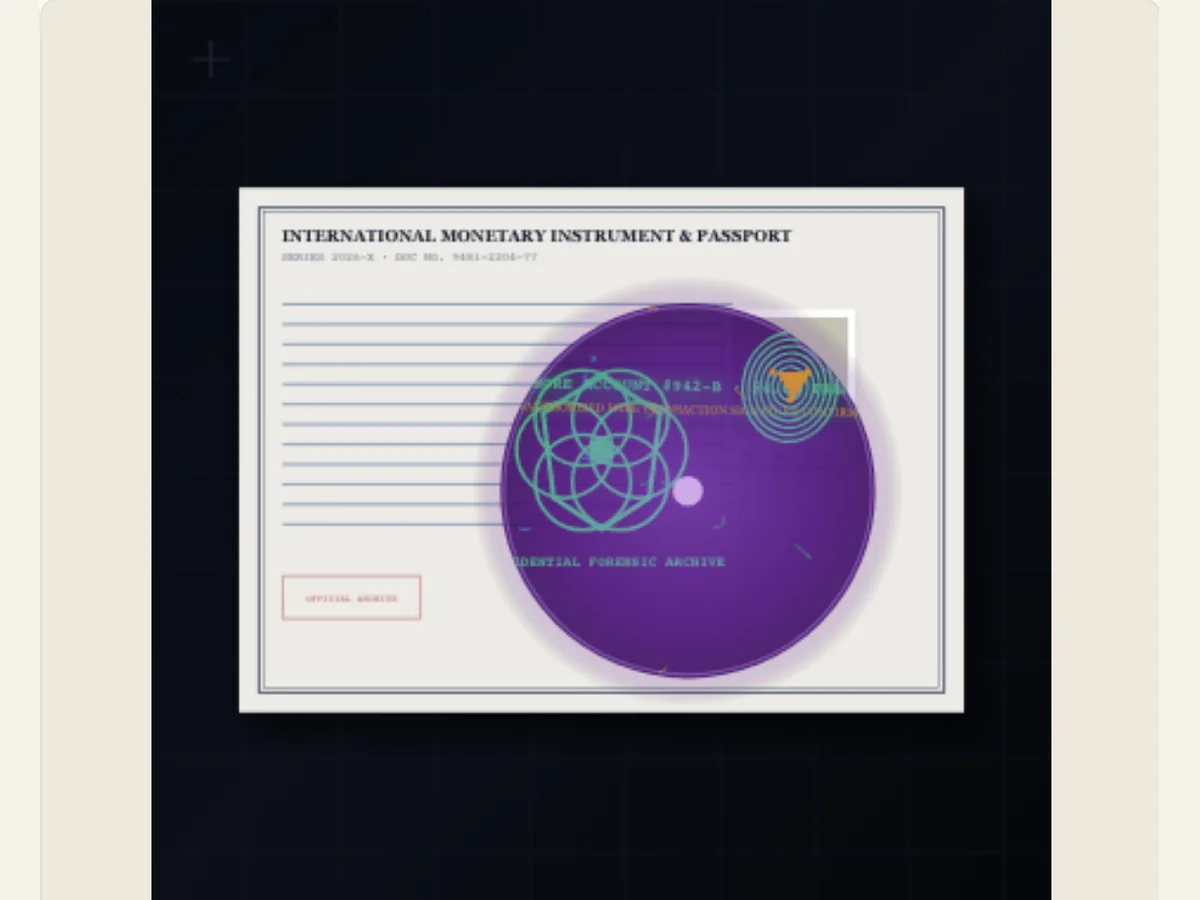
Reveal a hidden-looking detail in a designed document scene
A blacklight sweeps allows for a simple document shot to become a brief discovery. Forensic UV Blacklight gives the scene a document look, a colored phosphor glow and a moving beam that allows for editing of the discovered text. This can be used as part of a fictional investigation, as part of a mystery trailer, as a clue in an escape room game, or as an educational slide on how visual effects show ultraviolet light.
The animation is not a functioning UV scanner and will not scan a physical document. Therefore, it cannot verify the authenticity of a document, provide proof of identification for a passport, identify a genuine watermark, or create evidentiary proof. The fluorescent effect is a creative effect produced by the editor. You should be sure to keep these distinctions in mind when you use the sample in a documentary, training presentation, or client presentation; particularly if your audience may perceive the sample as an authentic forensic result.
Scroll sideways to compare every column →
| Control | Available direction | What it changes |
|---|---|---|
| Document style | Security, affidavit or custody-report treatment | Frames the investigation scene |
| Hidden discovery | Your clue or phrase | Sets the revealed message |
Build the document around the story you are telling
You can use an image from your camera to create a "Document Portrait." "Document Styles" include a security banknote and passport treatment; a classified deposition affidavit; or a forensic chain-of-custody report. After selecting the Document Style that works for either your fiction or educational setting, replace the "Hidden Secret Discovery" with a short, easy-to-read clue, code, or phrase. This way, the information is visible once the light illuminates the image, as opposed to forcing the viewer to decipher a lengthy explanation of facts during a fleeting moment.
The Watermark Emblem Caption provides an additional editable line of text. It will default to a confidential archive phrase. If the visual is fictional, create a fake archive label or a neutral caption. Please do not provide any real agency names, document numbers, or personal identifying information, unless you have permission to do so. A generic scene can have an investigative feel due to the use of dark paper, a beam of light and a highlight, but it does not need to use the authority of a real institution.
Select a phosphor color and beam that stay visible
The Phosphor Luminescence provides a lime-green, cyber-cyan or spectral-magenta treatment. The Torch Beam Width is either a focused spot, a wider laboratory inspection flood, or a dual-zone sweep. When using the narrower beam, you focus your attention on one discovery. If you use the wider beam, you see more of the page at once. The dual-zone option changes how you sweep the page visually. This is helpful when you are working on a line that runs the entire length of the page instead of just a single short word.
Check the glow contrast with the document style prior to adding additional color. A bright beam of light on a dark background can visually overpower a small caption. However, a less dominant selection may provide greater space for the evidence text. When the hidden phrase is located at the top/bottom edges of the uploaded file, or is too long to be contained within the upload area, alter the copy prior to changing all colors. High contrast enables the audience to see what has changed, however, the glow should not obscure the letters which it was intended to highlight.
Use the reveal as a narrative cue, not a proof
A made-up evidence sheet can be shown in a short mystery and one clue revealed prior to the next shot. A teacher could use a made up document to teach students how lighting is represented in films, and also teach students about real inspection techniques separately. A video game developer could utilize the beam to provide players with a code that needs solving. Each of these cases follows a basic structure: the viewer views a page, follows the movement of the beam of light, and reads a very short statement at each point.
In the case that the project involves actual physical evidence, you should preserve the primary source, and provide a description of the method used to analyze the evidence outside of the animation. A simulated watermark cannot be considered a validated security mechanism, and a fictionalized caption cannot be portrayed as a laboratory finding. For use in public examples, employ fictionalized names and non-sensitive sample material. The design can incorporate drama while avoiding claims of scientific measurement or creating a result concerning a real document.
A reliable edit order for a readable scan
First select your document treatment, and then add your portrait or document image. Next write out the discovery phrase and the emblem caption prior to setting up the beam. After you have written your words, test each phosphor color and determine which beam width works best for revealing those words clearly. Using this process will help you avoid polishing the light around text that may need to be replaced. Also, this process will allow you to determine if it is the image or the typography that causes low contrast.
Play the entire animation and find when the clue appears. A viewer should have enough time to see the beam and then read the revealed text. If you want the sequence to go very fast, make your clue short and place it in a good location. If the video clip has a complex mystery, give yourself more time or break up the reveal into several individual shots. Global motion control and duration controls can assist in matching the sweep to an editing point. A paused preview will show any text cut off at the edge of the frame.
Prepare a version for social video or classroom slides
A mobile mystery teaser can use a portrait composition, while a classroom or presentation screen can use a landscape layout. Avoid putting the title in the area with the most contrast from the beam. If the animation is in a long video, give yourself a beat before the animation begins for context, and a beat after the animation ends for the clue; although you will have revealed the clue clearly at the time of the flash, making the cut too quickly can cause the transition to feel abrupt.
Do not create a passport/banknote type scene as a way to resemble a valid credential. For a work of fiction, let your readers know through the context around the scene that this is a fictional work and then create your own identifier(s). If you are creating animations for an educational purpose where people will need some form of evidence/facts to back up what they're watching, rely on a credible source (such as an expert in that field) to provide written/spoken explanations rather than just allowing the visual to do all the work. The editor has control over the appearance and pacing of the animation, however, it does not offer regulatory support/advice nor does it verify documents.
Export an overlay and retain the editable setup
The export options include saving as a PNG still, GIF, a web-supported video, or a transparent PNG sequence in a ZIP of 30 frame-per-second (fps) images with alpha. If you save the PNG sequence, you can then place the sequence over other footage within an editor that supports importing sequences. When exporting video, the transparency is flattened; therefore, if your editing software does not support PNG sequences, you should use green as the canvas color, and then use chroma keying to remove the green. As with video, GIFs have a solid background, which makes them more suitable for showing a fast example than as part of a transparent composite.
The exported file should be opened in the program in which you plan on using it. You should then check to see if the phosphor colors are still separated from the background. A PNG can be used as an annotated slide or a thumbnail. Video files can be passed around more easily than PNG files if transparency isn't needed. Also, you should save your project file, especially if an editor, client, or instructor asks for changes in phrasing, beam colors, or layouts. Saving your project will allow you to make changes to your settings, whereas saving your exported file will render the results.
Respect the meaning of document imagery
The most accurate forensic-inspired scene accurately identifies what is authentic and what is artistic interpretation. Do not suggest that a genuine official document contains a hidden identification mark simply due to the animation illustrating such a mark. Do not display personal information (e.g. social security number) or official document numbers within your samples. If there is a legitimate training reason for you to provide a sample document, then use an approved sample and indicate whether the sample is an illustration, simulation or an actual document examined by a certified professional.
To compare with an Investigative Dossier, a companion sequence that contains both a paper file and redactions is available. A simulated burn can provide a clue via the Singed Ember Burn. In addition to providing a photographic inspection atmosphere, the Film Lightbox and Optical Loupe also allows for viewing. Prior to utilizing any third party or branded document artwork in a published project, check the licensing information.