Investigative dossier
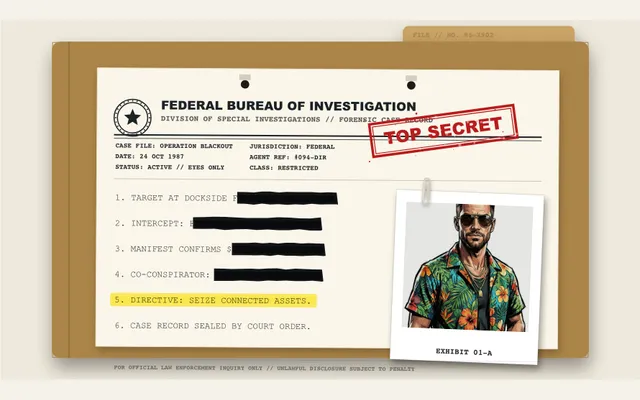
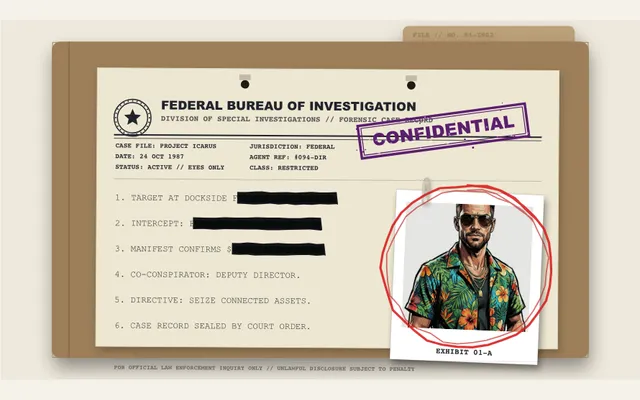
Animate a classified true-crime case file with an official manila dossier, slamming rubber stamp, real-time black marker redactions, pinned evidence photo, and highlighted smoking-gun findings.
Try this effect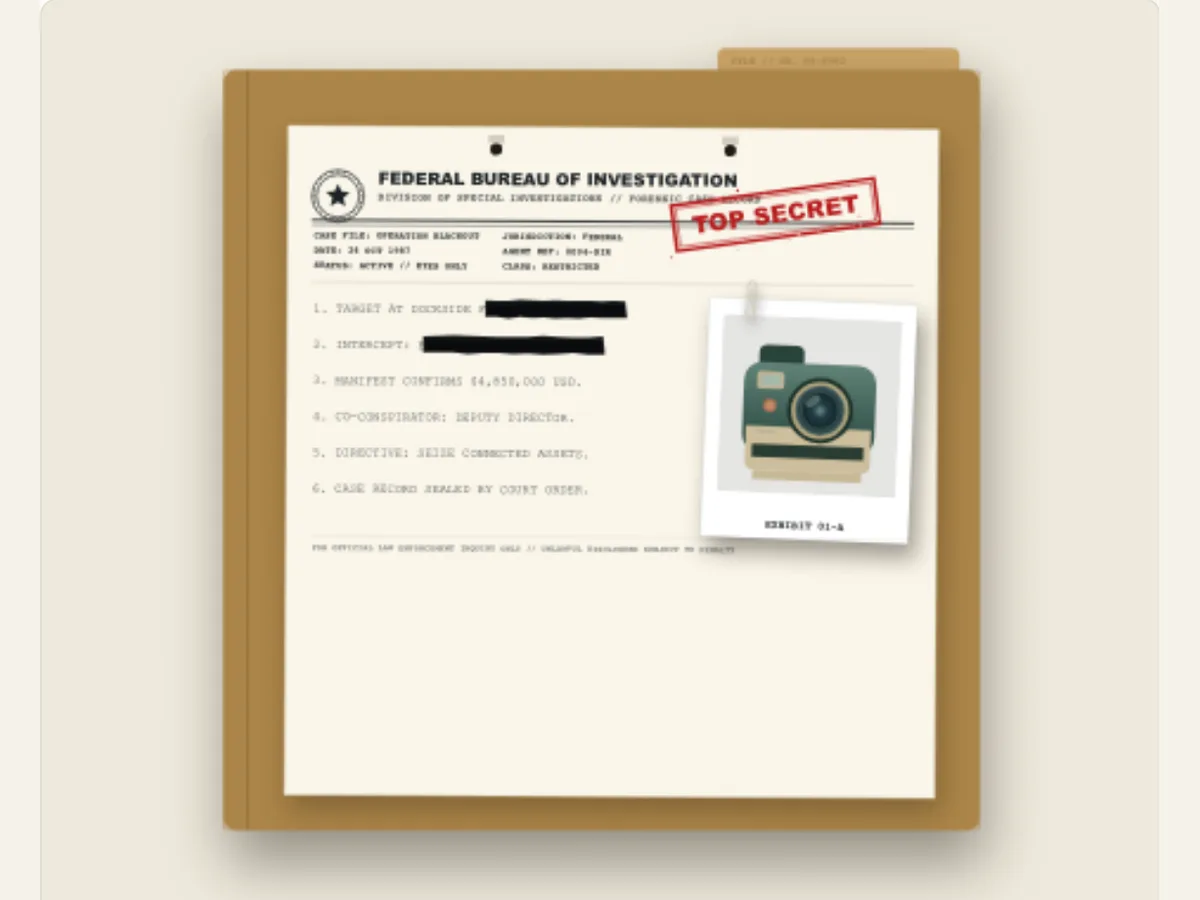
Open a story with an evidence file
The first visual elements (such as a manila folder, a page of notes, and a pinned photo) that will help to set the investigative atmosphere before a character begins speaking are established. Investigative Dossier provides an animated file scene with an uploaded evidence photo, adjustable redactions, a highlighted clue, a case title, and a selected paper stock. Investigative Dossier is capable of introducing a fictional mystery, a documentary-style title, a classroom source analysis activity or a chapter in a game narrative.
The design does not represent a government document, court filing, or evidence of a police investigation. The design's stamp and agency header are merely part of the created image, and do not indicate that a government organization has reviewed, approved, or un-classified the material. When creating fictional case studies for creative work, use fictional details and avoid associating a real person's name with an alleged crime. If you are discussing a real-life case, use reliable sources and view the animated video as an illustrative tool rather than as a form of proof.
Scroll sideways to compare every column →
| Control | Available direction | What it changes |
|---|---|---|
| Case title | Editable case name | Names the file |
| Evidence photo | Uploaded image | Sets the visual clue |
Choose the case title and image before adding redactions
Case Title is used to identify the main topic of the folder and Upload Evidence Photo adds an image to the scene. A short title provides viewers with a clear way to begin exploring your boards and a single image can be the main clue for the board. When cropping your photo, use one that will be recognizable within the file layout. If the photo is too small, cluttered, or does not have enough contrast, prepare it before you upload it to your board; adding more redactions to the photo will not help viewers understand what is happening in the photo.
The agency heading includes many other possible names (fictional and federal). Since the heading can appear to be official, use an obviously fictional department or "Special Investigation Unit" when you create your fictional work. Avoid using an existing agency name to imply sponsorship, access to a classified document or official results. Titles such as "THE LAST NEGATIVE" provide a clue as to what the story is about, without providing any basis for a claim regarding an actual person or organization.
Set the folder stock and rubber-stamp status
Dossier Stock provides manila, aged kraft, archive purple ink, and federal white. Rubber Stamp can say TOP SECRET, CONFIDENTIAL, DECLASSIFIED, RESTRICTED, or EVIDENCE. Both the selected stock and stamp affect the scene's mood, however, neither option changes the legal or factual status of a document. An imaginary archive may use purple ink and a declassified stamp; a mystery movie trailer may use manila with a small confidential stamp.
The stamp should serve as a visual aid to support the story instead of as a symbol of authority. To avoid viewers mistaking the scene as an actual document, the scene should be given a clearly fictional title and no identifying information about the people involved should be included. White paper may allow for cleaner viewing of documents and folders made from manila or kraft can give the impression that they have been used. Contrast should still exist in order to allow the headline and picture to be viewed on smaller devices.
Reveal only the amount of text the scene can support
The level of Marker Redaction is determined by either four, three or two lines being covered. This represents the amount of information that the viewer is prevented from seeing. The Discovery Highlight allows for three options: fluorescent yellow, neon pink, and a red grease-pencil circle. This determines how much of the original text is covered up. A minimal redaction will allow for a larger portion of the original text to remain visible, while a heavy redaction will create a greater degree of concealment. It is important to choose a highlight color that stands out against both the background paper stock and the image.
The moving scene provides very little time to interpret complex written text. Use short fictional sentences, and use highlights to draw attention to one clue. Remove all sensitive information about any real individuals from uploads before submitting them to the editor. The redaction control is a visual effect; it does not represent a reliable way to remove data from actual documents. The redaction control does not sanitize the source image being used for the visual effect nor does it offer any privacy protections.
A mystery episode card with a controlled reveal
A fiction podcast can start by introducing a folder labeled “THE LIGHTHOUSE RECORD”, a made up unit label, one atmosphere-evoking image, and one key clue. The player will follow the camera as it moves from the stamp to the first sentence in the document, and the next player scene will begin with either a sound cue or a character scene. Similarly, a game development team can use this format to introduce an in-world archive entry prior to having the player search for clues within the game itself.
For a class, develop a sample document using made-up names and inquire about the visible and hidden components of the document. After that, compare the differences between an image that looks official and a document whose source can be verified. The animation helps provide a framework for discussing the visuals used in the document, but it does not allow you to verify the source of a true document. This means that providing context for the activity is helpful rather than being a barrier to the design process.
Customize the shot without hiding the focal evidence
Set paper stock and stamp first. Then, enter case title and upload approved image. Next, adjust redaction density and highlight style. Play full reveal to see what gets focused on. If image/marked line falls behind folder edge, alter composition or simplify text. Adding more stamps, redactions, and colors does not necessarily create a better scene. It is often easier to follow a single focal point.
The total amount of time that a viewer will have to look over the file depends upon both the length of the video as well as the control of the camera movements. For example, a quick teaser could use just one short label and one highlight, whereas a long presentation could be held on the most critical line for a longer period of time. Make sure you are looking at the end product (video) when considering your label placement and make sure you do not place the main body of text near the edge of the screen where it will get cut off during cropping. Also, if there is a company name on top of the screen that takes away from the main focus of the video, try using a simple non-fictional label, or take out the statement about the company from the surrounding commentary.
Move the folder into an edit as a rendered asset
This effect can be downloaded in many forms, including a static PNG image, a GIF animation, a web-compatible video, or a PNG sequence in a ZIP archive with each frame labeled with its frame number and alpha channel (transparency). The sequence allows compatible editing applications to create a transparent overlay. When using a video format, the output is "flattened" so you will need to apply a chroma key (green screen) effect to composite a video file. GIF files also have a solid background. Please review the options available in the Export dialog box of your application to determine which formats are supported by your current browser prior to choosing how you want to export your work.
A PNG provides a frozen image of an evidence card to use on a deck or on the thumbnail of each episode. A video will provide the reveal of the evidence card, and any movement of the camera. Place the selected file into your target timeline, and confirm that all of the small text, and all of the highlighted areas are still clearly visible. Save the file so you can edit it later if you need to create different titles for other cases, or if you change the type of paper stock used. If you have a larger scene that includes multiple pieces of evidence, link the file to either the Conspiracy Corkboard or a clue reveal created using Forensic UV Blacklight; Paper Shadows and Depth will show you how to separate two pieces of paper that overlap.
Handle real names and records with care
A classified file visual will reinforce a statement even if the underlying facts are unclear. Do not use the stamp, agency header or redaction process to indicate Government access, Professional investigation or Legal verification. Get permission for photos and keep personal details off public examples. For nonfiction projects, make sure to separate Reenactment, Illustration, and Source Documents; verify factual claims with credible records.
The effect may help to visually organize a story; however, a rendered frame does not take the place of source notes, citations, or accessible text. Keep the documentary records in their original format, and if possible, keep a copy of the records intact when working with them. If you want to create a shareable sample of your work, use fictitious names, make up dates, and provide only non-sensitive information so that your samples are safer to share with others and more easily understood by audiences as art direction rather than an official document.