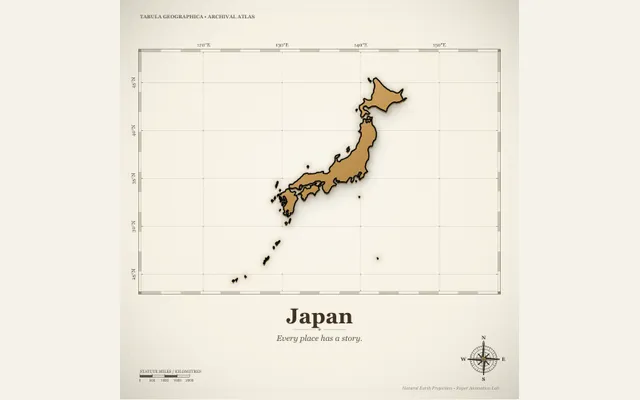
Country atlas
Reveal a country silhouette on an original paper atlas. Choose bundled country geography, style the map and caption, then export a smooth country reveal.
Try this effect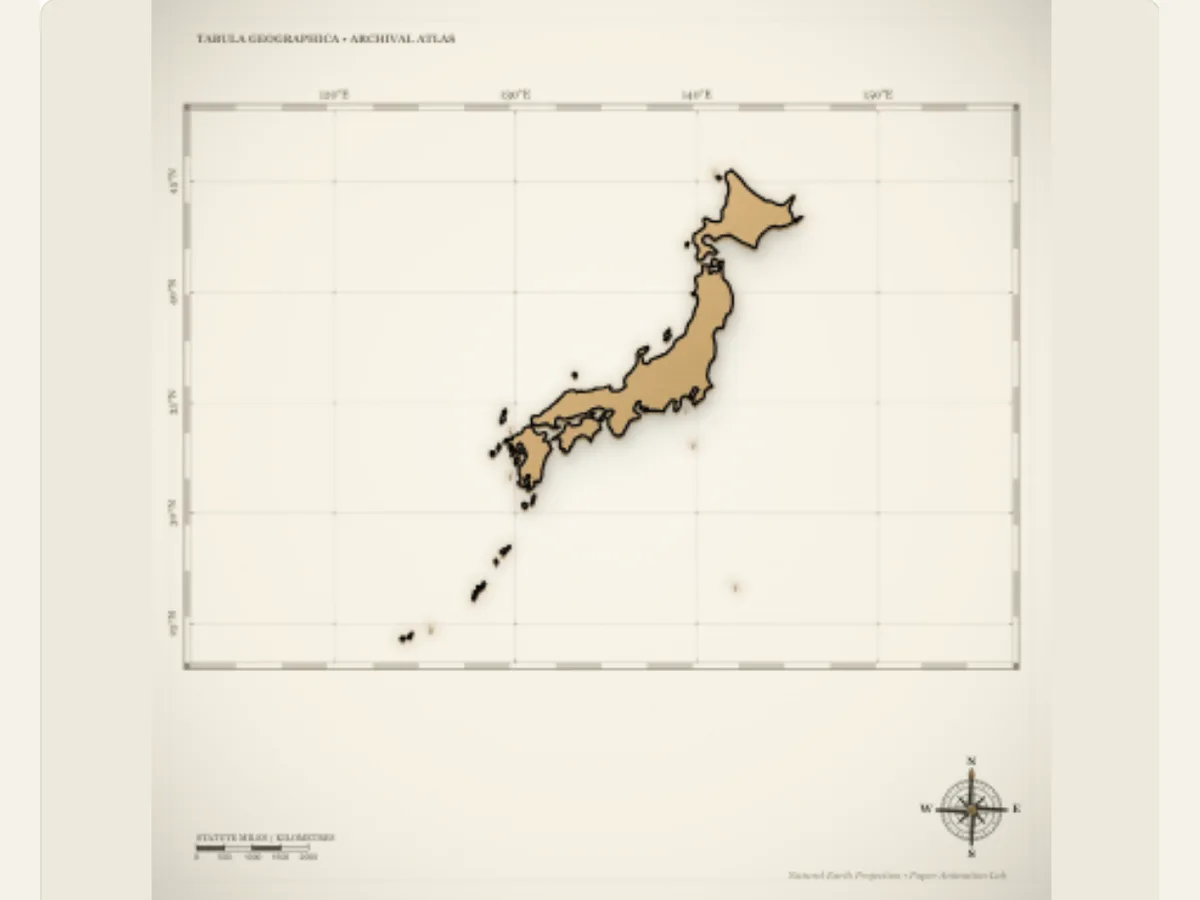
Introduce a place with a paper atlas reveal
A country's outline is a great way to start off a travel story or geography presentation prior to moving on to the next section, which will focus on either a city, route, or landscape. The Country Atlas allows users to view a selected country on a paper map with various options for atlas themes, animated borders, background grids, and captions. The Country Atlas is useful for starting a travel reel, introducing a new class topic, providing the backdrop for a documentary, or providing a visually appealing transition from one destination page to another.
This is not a real-time navigation system, nor does it replace the use of a reliable, accurate geographic resource. It does not determine routes, show the most up-to-date border lines based on a real-time mapping service, or provide users with legal guidance regarding contested borders. When a user's country border/status is relevant to their work, they should verify this information with a reputable geographic source and purchase a map license that suits their needs. The editor's animated map can be considered as a design illustration of verified facts.
Select the country and inspect the outline
The Country control will select a silhouette of a country from the atlas data that is included with this program. This is where you should begin. After selecting the silhouette, view the entire outline prior to selecting which theme of paper you would like to use. Although a silhouette will allow the user to identify the general geographic shape, it does not provide scale, proximity to other countries/regions, or specific local details. When the audience requires a more specific location than the country silhouette can provide, you may include a city, region, or caption within your surrounding narration.
India’s outline includes the northern Jammu and Kashmir and Ladakh boundaries in the current atlas asset. This animation still should not be considered a current political map or a legal statement; it is a product asset. When displaying a sensitive or time-dependent boundary, check the intended display with an authoritative source before publishing. This process would also apply to any selected country that will be displayed in the map for educational purposes or for use by the general public.
Scroll sideways to compare every column →
| Control | Available direction | What it changes |
|---|---|---|
| Country | Bundled country silhouettes | Sets the map shape |
| Border finish | Black ink, fine, foil or glow | Changes outline emphasis |
Choose an atlas treatment without obscuring the shape
The three options of Atlas Style are parchment, botanical, and night. Parchment gives the silhouette an old-fashioned paper texture; botanical provides a natural illustration; and night creates a darker setting to increase the contrast. You should select a style that allows the country's border to be clearly visible against the surrounding background. Do not place any captions or visual elements along the border of the country if you want to emphasize the shape of the map.
There are several ways that you may show your map. These include a "paper sweep," an "ink fade," a "paper lift," a "coastline draw," a "radial opening" or a "layered assembly." When using a "coastline draw," the perimeter of the map itself becomes the focus of the animation. If you use a "layered assembly," it will give the map a layered appearance, as if made from sheets of paper. A "paper sweep" is one of the most direct methods of showing your map. You should try to use the same country with both types of animations prior to altering its borders and background. Using the same country with both animation styles allows you to determine if the animation style or color palette is better suited for conveying your message.
Style the outline and choose a geographic backdrop
Border Finish is available as an animated black ink, fine ink, metallic foil or a soft glow. You may choose to use either studio paper or a latitude/longitude atlas grid as your background. Additionally, a light sweep may appear as an overlay on top of the background. An animated dark border will provide a stronger outline around a light-colored parchment; fine ink is less dramatic; foil and glow provide more of a decorative effect. If the grid provides better orientation within the composition then you may utilize it, however, do not state that the lines within the grid indicate a specific location unless there is evidence to support this statement.
The light sweep provides a short highlight to the paper and the caption provides the name or background information on the location. Make sure that your caption is short enough to appear next to the silhouette. If your caption includes a capital city, region or travel dates then verify the accuracy of the spelling and facts through other sources. The shape of the country does not necessarily confirm the information provided in the caption. Creating a logical structure of map, borders and text will create an effective title card and avoid creating a complex infographic.
Examples for travel, education and editorial video
A travel creator can use the map as the initial shot for a series. Once they have identified the country in which they will be traveling, they can cut to verified video from that specific area. Their caption may state what region or when they traveled, but it may also contain a separate map or detailed route information. A teacher can use the "reveal" to introduce a country to their students prior to teaching about the various cities, landscape features, and historical aspects of that same country using credible sources.
An editorial video can utilize the map to set up a geographic setting prior to presenting a story. When using the map as such, the silhouette of the country should not represent a specific area that was impacted by the event, nor should it suggest that the event took place throughout the entire country. If necessary, provide a more detailed geographic reference from a reliable source. While the animation has advantages in being able to quickly give viewers a visual reference point, it must be paired with accurate narrative information rather than creating a false sense of accuracy regarding location.
Tune the reveal to the caption and destination shot
Start by choosing the country and atlas theme first. Then choose a reveal style and border. Next, choose either the grid or studio backdrop. Only turn on the light sweep if it works with your sequence. Write the caption after you've determined how much space is left around the silhouette. This sequence will help you to prevent text from crossing the edge of the country, or to prevent a location label from being placed on top of a coordinate line.
The overall speed and time limit settings of the editor's global control allow you to set the amount of time that each map will remain on-screen and how long the end result remains visible. When a reader needs to view the caption, hold before moving onto the next shot. A social teaser can be fast-paced using a short place name, while a geography lesson may require a slower, more deliberate reveal. Always check the final aspect ratio and preview the transition to the next clip to ensure that the atlas card does not remain on-screen after the user understands the content it displays.
Export the map for a clean video composite
The Export Panel will provide the user with several options including PNG, GIF, browser-supported video and a Transparent PNG sequence ZIP at 30 fps with alpha for this specific effect. When using software that supports the import of numbered frames, the user may overlay footage using an image sequence. If the user decides to create a video output, the video output will not retain transparency. Therefore, if the user wishes to create a moving video overlay and the use of an image sequence is not feasible, then the user should utilize a green background and chroma key to achieve the desired result. GIFs utilize a solid background and are best suited for creating previews or standalone cards that incorporate a specific backdrop.
A PNG frame is an alternative for use as either a thumbnail or as a presentation image. The video will keep the borders and reveal the map. You will import the image/video into your final timeline and then check to see how well it lines up with the geographic reference that you are going to cite. Once you have saved your project, you will be able to update the country, caption, and other visual choices. If you want to create a folded itinerary, you may wish to use the Origami Fold Map. If you would like to show the route from one location to another, you may wish to compare the Paper Flight Map and Paper City Route.
Verify geography and map rights before the final export
Maps provide context for factual claims and are not simply backgrounds. Prior to publishing, check the country's name, boundary, geographical setting, and all associated captions. Boundaries may represent a sensitive issue and can be represented differently from source to source. As the editor does not update the included map data with each new geopolitical change, you should use an updated resource to accurately depict the most recent political borders. Do not represent a decorative latitude-and-longitude grid as coordinates that were actually measured.
Confirm that you can use the map asset, and other images as part of your final piece. What does the educational illustration show? Are there any restrictions on using this illustration that would limit how you use it in the lesson? Sourcing clearly protects the utility of the image for viewing and provides a way for users to find more information about the geographic area. The most effective way to show a country is through its basic shape; however, the basic shape should be used as an introduction rather than the sole evidence of where the country is located.