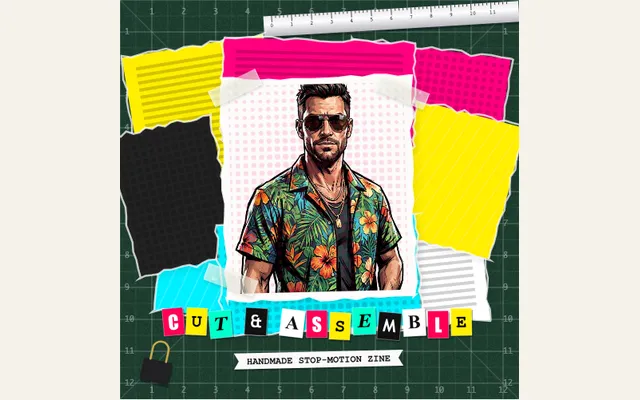
Stop-motion cutout collage
Turn a photo and editable headline into a layered paper collage. Choose a zine, scrapbook, modernist or magazine theme, then adjust frame rate, paper movement and scrap layers.
Try this effect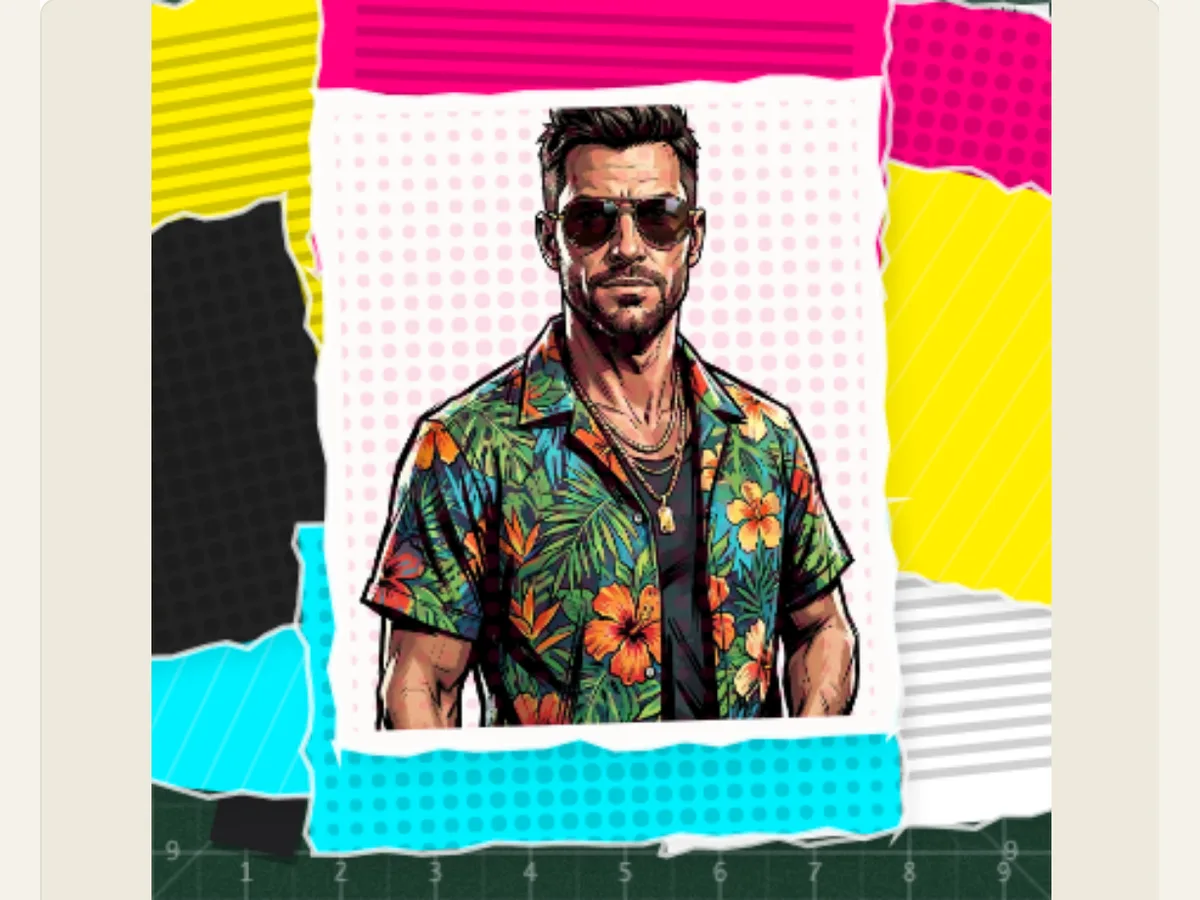
Give a photo the energy of a cut-and-paste title card
Product announcements, music teasers and introductory videos for creators can sometimes appear overly-produced because all components appear at the same rate. Stop-motion Cutout Collage will allow a single photograph with a small amount of text (headline) to appear as though it were assembled from paper. The photograph will be positioned within a collection of torn pieces of paper, tape or other fastener of choice. The text (title) will remain editable and not part of the photograph.
The final output of this process is a custom-made browser-based animation. It is not a video of an individual physically cutting out shapes from paper on a work bench. There is a very important difference between the two processes when you are writing a brief for a client. One provides a hand-crafted look and feel with step-by-step motion but allows you to alter the image, text, and layout prior to exporting. Start by selecting a single main idea/subject and then create a simple headline that can be easily understood in seconds.
Choose the collage language before adding detail
The Collage Aesthetic Theme will change the overall look and feel of your cards. Punk Fanzine is characterized by a very sharp and high contrast color scheme. Vintage Scrapbook has an older ephemera/botanical design. Modernist Bauhaus/Dada has cut-out geometric designs. 90s Pop Magazine is filled with bright, shiny scrap pieces. Your selection will alter how each of your cards appears, therefore, you should decide what theme you would like to use prior to making adjustments to the movement or adding a subtitle.
The workbench mat controls the background of the scene behind the paper. A cutting mat makes the scene look as if it were being worked on in a studio, kraft cardboard can be used to tell the story of a parcel or hand-made product, and dark slate provides greater separation between pale scraps. After selecting a background for your work area, you may also choose a physical fastener that will help communicate how the items in your composition are connected. Some possible options include clear tape, metal staples, wire paperclips or push pins. It is best to avoid using all of these fasteners in the same composition; typically, one type of fastener will provide adequate visual context for the viewer.
Scroll sideways to compare every column →
| Control | Available direction | What it changes |
|---|---|---|
| Collage theme | Fanzine, scrapbook, modernist or pop | Sets the cut-and-paste art direction |
| Frame rate | 8, 10, 12 or 24 fps | Changes the stepped-motion character |
Tune the frame rate and paper movement separately
The stop motion framerate options are 8, 10, 12 and 24 frames per second. Eight frames give the viewer an obvious step-by-step feel, whereas 24 frames allow for a much smoother transition between images. Ten or twelve frames will maintain the handmade feel of the project without giving the impression that all movements are abrupt. As these options will change the way the final motion is presented, make sure you preview the entire sequence when adjusting them rather than looking at just one frame.
The paper boil & jitter control how much the edges of the paper and pieces of paper move around, while the paper scrap layers determine how many collage pieces are visible between four and twelve. If a face or a product label can no longer be recognized due to motion blur, lower the amount of jitter prior to taking away texture from the entire canvas. If the scene appears too sparse, increase the number of layers by one or two and ensure that these layers do not crowd the headline. Small, individual changes will make it easier to tell which change made a difference.
Write the headline for the final viewing size
Ransom Cutout Headline can accommodate a single line of text with a maximum of 50 characters; whereas, Label Tape Subtitle can hold up to 60 characters. A short phrase is less risky to read than a full sentence because the reader must take in the visual information of the scraps and image as they read. As an example, a small coffee roaster may have a headline such as "FIRST ROAST," and a subtitle stating what kind of seasonal blend it is, as opposed to trying to fit all of the details about the product onto the card.
Preview with the same aspect ratio as the clip is going to be viewed in. Portrait layouts have less space horizontally than titles that are in landscape format, which may allow for more spacing between each word. However, if there are awkward line breaks, consider either shortening the copy or manually creating a line break within the text field. Maintain a small amount of space around the title to avoid competition from torn-paper edges and fasteners on either side of the letters.
Use the collage where texture helps tell the story
The effect is best suited to be used on a zine cover, a short artist introduction, a launch card for a physical product, or a montage to introduce several products. It could also be used as a chapter card in a documentary or music video when the rough assembly creates a deliberate shift in tempo. All of these uses will require a different emphasis visually; a person must have a clean shot of their face, an item must have ample space around its outline, and a chapter heading should have sufficient blank space to allow for the text.
A good way to tell if your photo will work without a title is to cover the title up for a brief period of time to see how well the photo alone communicates, then uncover the title and see if it is still the first item that catches the viewer’s eye. If both elements are competing for the viewer’s attention, consider reducing the number of background pieces used in the card, or the number of paper layers being used in the card. This type of card is most effective when the scraps create a frame around the main subject rather than creating another main subject in addition to the original.
Build one reusable composition instead of rebuilding each version
An orderly process for editing includes: uploading the hero cutout photo, creating the headline, selecting the theme and matting, and choosing the fastener. When beginning the edit, start with a moderate number of layers and low-to-medium jitter. After writing the content for the video, test the frame rate at 10-12 frames per second and adjust the movement of the camera to blend with the rest of the footage. The preview will help identify instances where a fastener covers a word or a piece of paper crosses over a face that needs to be visible.
For a series, after the first approved layout, you should save the project. Then, for each subsequent episode, replace both the image and the text. Make sure that you use the same visual theme throughout the series. When designing other possible versions, change only one variable at a time. If you make too many changes, it will be hard to find a version that worked. You may also want to shuffle the seed-based scrap arrangements in the editor if you want to create a different arrangement. It's best to have a saved copy of your work prior to experimenting.
Export a frame or a transparent overlay for the edit
The Export dialog provides options to download a single PNG image from your project, a animated GIF, a video file (in any format supported by your web browser), or a transparent PNG sequence. A PNG sequence can be used if you need to pass the images on to another editing program that allows importing of a numbered image sequence at 30 frames per second. This will preserve the transparency of each image and allow them to overlay footage. If this option isn't possible, then choose "Green" in the editor and apply chroma key to the exported video. GIF exports are always flattened onto a solid cream-colored background; therefore, they are most suitable as previews rather than as transparent composites.
Before you export the finished card, take a moment to look at the completed frame and ensure that each word is contained within the boundaries of the canvas. After that, run the video clip from the beginning, and verify that there is adequate space around the entry. When running a video export recording, leave the browser tab open; the editor will provide status updates during the process and may offer you the option of exporting a shorter version of the video or another supported format should your browser be unable to complete the encode. Your saved project will contain an editable copy of your work in addition to the exported video.
Keep the rough edge from obscuring the message
A collage is able to have a sense of life even though there are many parts that may not move. The use of paper allows for some of the irregular shapes to create the feeling of movement. The headlines should remain legible, and the image should remain still enough so that it is possible to identify what it represents. If the image itself contains a great deal of activity, use fewer layers of scrap paper and a more neutral colored mat. On the other hand, if the image has a plain or simple background, you can add more layers of paper to allow for greater use of texture in your collage while allowing the main element (focal point) to be visible.
The best version of your video is the one that has been reduced in size and is now being shown alongside other videos. When comparing the first frame and last frame of your video to the area in which it will be displayed, remember that if you have a dark background, the video may blend into the background. Likewise, if you have a brightly colored piece of material (such as a bright pink scrap), it could distract from the product label. The editor preview allows you to see how your choices will affect the final product before downloading another file.