Photo paper unfold
Animate a folded white paper parcel sitting closed on a tabletop card deck, then slowly unfolding in tactile crinkled flaps to reveal the photo underneath.
Try this effect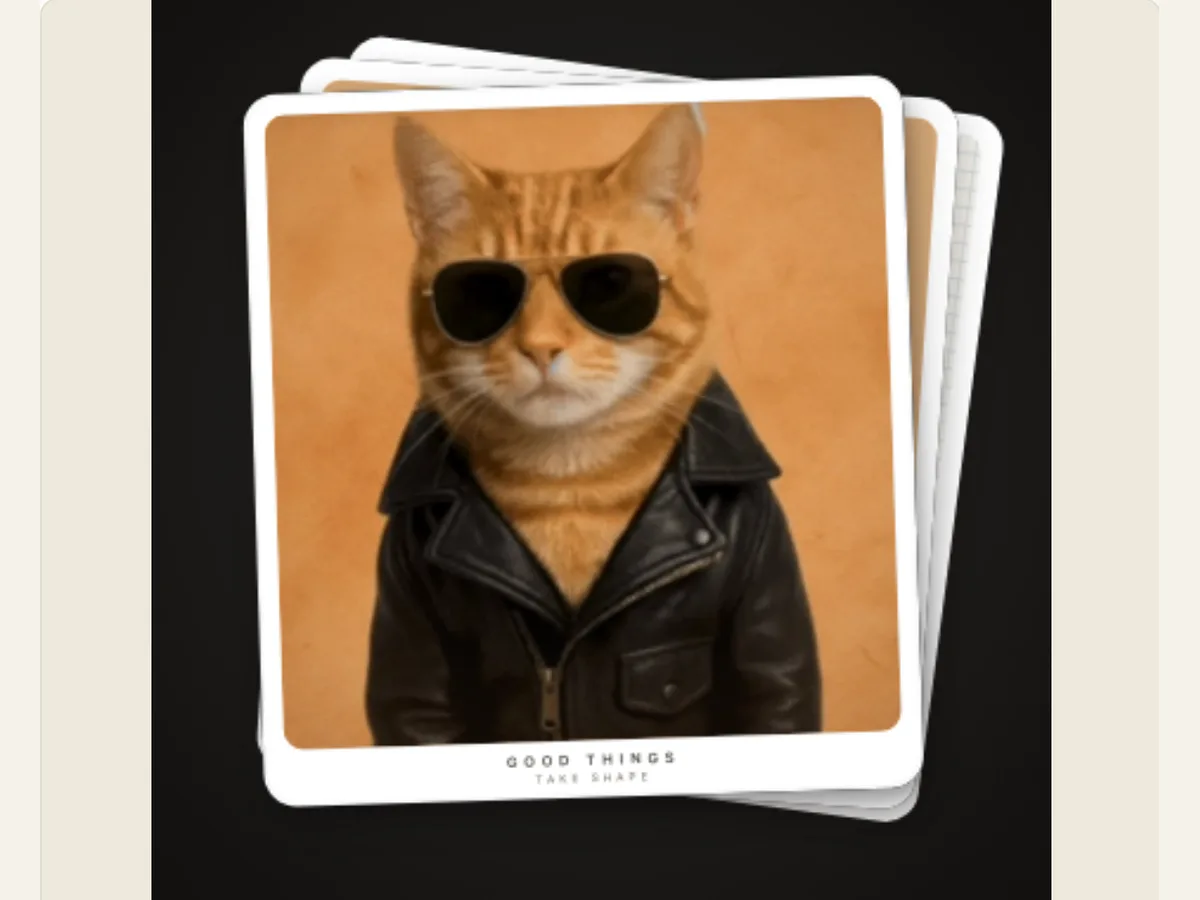
Editorial photo spreads and tactile corner curl mechanics
Photo magazine page turns are a common way for editorial magazines, photo essays, look books, fashion campaigns, and fine art portfolios to create the same tangible ritual that is associated with turning a physical page. However, when displaying high resolution photography in digital video, many times the only options available to transition between images are to either slide the image across the screen or use a generic dissolve. Both methods can seem very clinical and detached from the craft of printing. On the other hand, the Photo Magazine Page Turn creates a tactile and physical experience of peeling back a glossy heavy-stock magazine sheet from its outside edge to expose another photograph beneath.
The high quality coated editorial paper used for magazines will bend in a gentle cone like fashion; unlike the newsprint from broadsheet newspapers, which folds very sharply with clear crease lines. When you use your fingers to catch the edge of the magazine, the tension of the cellulose fibers in the paper will cause the paper to bow outward and upward as it peels off at an angle from one side of the spread to the other. There is a very distinct tactile arc created by this process where the paper curls toward you, exposing the fibrous back of the paper and creating a soft moving drop shadow on the bottom layer of paper.
The corner curl offers a realistic, authentic presentation tool for creative agencies, photography professionals, video editors and brand storytellers. The corner curl provides a way to introduce a creative portrait, transition from one architectural case study to another, and/or pace a seasonal catalog reveal, while providing a sense of physical warmth and editorial style to video timelines, with no need for high-end 3D motion graphics software, or manual keyframing.
Simulating true 3D conical geometry and roll specular reflections
A true realistic page turn cannot be achieved using simple affine transformations or flat perspective shearing. A page is made up of a material called paper which does not stretch, has constant surface area and boundary length, and can deform without restriction in three dimensions. The mathematical model used for Photo Magazine Page Turn defines the three dimensional deformation of the page in terms of a conical curl coordinate system, where each cross section of the curling portion of the page develops into a larger and larger circular or elliptical cylinder.
The peel axis begins to sweep upward diagonally across the canvas as the bottom right-hand corner of the peel is lifted. The vertices that lie along the deformation front will deform in 3-dimensional space by moving forward along the camera's axis and backward towards the binding spine. This movement creates a characteristic flared horn-shaped curve seen in high-end print publications. The outside edge of this curve curls much tighter than its inside hinge.
As the paper curves, a soft anisotropic specular reflection is created at the top of the curve. The light from above (studio softbox) creates a glint on the surface of the paper which looks like a reflection of the light from above (studio softbox) on the surface of the glossy photo emulsion. This effect gives the curled-up page volume and realistic physical appearance.
Scroll sideways to compare every column →
| Control | Available direction | What it changes |
|---|---|---|
| Unfold style | Crinkled parcel, crumpled-to-clean, origami or spiral | Changes how the covering paper opens |
| Photo and background | Uploaded image or sample, with a backdrop tone | Sets the revealed composition |
Reverse paper texture and cylindrical under-curl shading
Digital page curl effects are typically flawed because they omit or mishandle the back face of the curled page. As a result, when a physical photograph is pulled backward, the back side will be visible to both the camera and any other light source in the room. In contrast to physical magazine stock which has a subtle matte tooth or uncoated fibrous finish on the back face (distinguishing it from the glossy or semi-sheen coating on the front print), there are no distinguishing features on the back face of digital page curl effects.
The renderer will compute the normal vectors for each of the vertical slices of the curled mesh. As long as a slice has rotated less than 90 degrees away from the viewer, it is drawn as if the front image were visible. If a slice rotates further than 90 degrees away from the viewer, the front image is culled, and the true reverse backing is drawn in its place. The reverse backing features warm off-white tones, subtle procedural paper grain, and natural cylindrical drop shading which increases as the roll goes downward.
On the left side of the spine, there is an ambient occlusion crease gradient that mimics either the stitched or perfect bound gutter of a book. The use of this anchor allows us to maintain a consistent reference point for the viewer, such that even though the right hand corner sweeps across the frame, the left spine will remain stationary, providing the same visual cues of an open two-page editorial spread.
Moving drop shadow projection and human-paced viewing rhythm
A curl of paper, suspended over a smooth surface (such as a table top) or another piece of paper, will produce a moving shadow. The size, shape, and overall appearance of this shadow are determined by the distance from the point at which the paper is attached to the surface below it. At the point of attachment (the binding), the shadow created by the contact with the surface is thin, dark, and well-defined. However, when the curled edge of the paper is lifted off the surface below it, the shadow produced by the curl begins to spread away from the point of attachment. This spreading causes the shadow to become less dense, less opaque, and more diffuse. Additionally, the edge of the shadow becomes more feathered than when the paper was in contact with the surface below it.
Photo Magazine Page Turn computes a dynamic drop shadow projection in real-time. The result is a soft directional gradient that is projected onto the revealed photo below. As the corner peels up and moves diagonally across the page, the shadow advances across the revealed image following the height and trajectory of the moving paper flap. The shadow serves as an anchor for the user to perceive depth as soon as they see the shadow on the page below. This shadow gives the illusion that the top sheet is actually raised off the background.
The speed of the animation will be adjusted to the reading/viewing speed of humans. Instead of moving quickly through the corner, the sequence has an asymmetric ease curve: The first part of the corner lift starts with some resistance, then accelerates smoothly during the middle section of the sweep, and finally slows down gradually once the flap clears the screen. An additional reading pause at the top of each cycle gives the audience enough time to comfortably view the image that is being displayed before the cycle repeats.
The timing of the camera movement in a video sequence to align with the timing of a accompanying audio cue (e.g., a crisp paper rustle or page flutter sound) enhances the tactile feel of the experience. A mathematically smooth curve for timing allows for precise alignment points of key frames in order that video producers can easily coordinate the timing of ambient noise and spoken words.
Export formats and video timeline compositing
Each video production process has its own technical specifications. Photo Magazine Page Turn is developed to function with most contemporary non-linear editors such as Premiere Pro, DaVinci Resolve, Final Cut Pro, and After Effects. The animation can be exported from your web browser as high-resolution PNG images, smooth looping animated GIFs, or browser-encoded WebM and MP4 video files.
Editors that require transparent overlays to create the page turning effect over top of their current video footage will have access to two types of background options; Transparent Alpha and Chroma Green. If you select Transparent Alpha, you can create a series of PNG frames that are numbered and contained within a ZIP file. The frame rate for these frames is 30 per second. After importing these frames into your Non-Linear Editing System (NLE), you will be able to instantly produce a high quality broadcast level transparent video track. Your drop shadows (with their semi-transparency) and edge highlights will remain intact.
Customization controls allow you to control the time frame of each frame from 2 to 12 seconds, alter the amount of texture you apply to each frame, and alter how much shadow is applied to each frame based on the light in your primary video. Every render takes place directly on your computer's GPU using accelerated canvas pipelines. As a result, you have immediate access to interactive preview frames and quick export capabilities without waiting for an outside cloud queue or having a watermark placed over your work. This local-first architecture keeps sensitive commercial lookbooks and client photographs completely private within your browser session.